Self-hosted Supernote cloud
Your notebooks, synced to a cloud you actually own.
Inkhold is a small, drop-in replacement for Ratta's Supernote Private Cloud. Point your Supernote at it instead, and your notebooks sync exactly as before — except the server runs on your hardware, and your handwriting never leaves home.
Unofficial & independent — not affiliated with Ratta or Supernote.
Why run your own
Nothing leaves home.
The official cloud is convenient, but it's someone else's computer. Inkhold keeps the convenience and gives you the ownership.
Read your notebooks, layers and all.
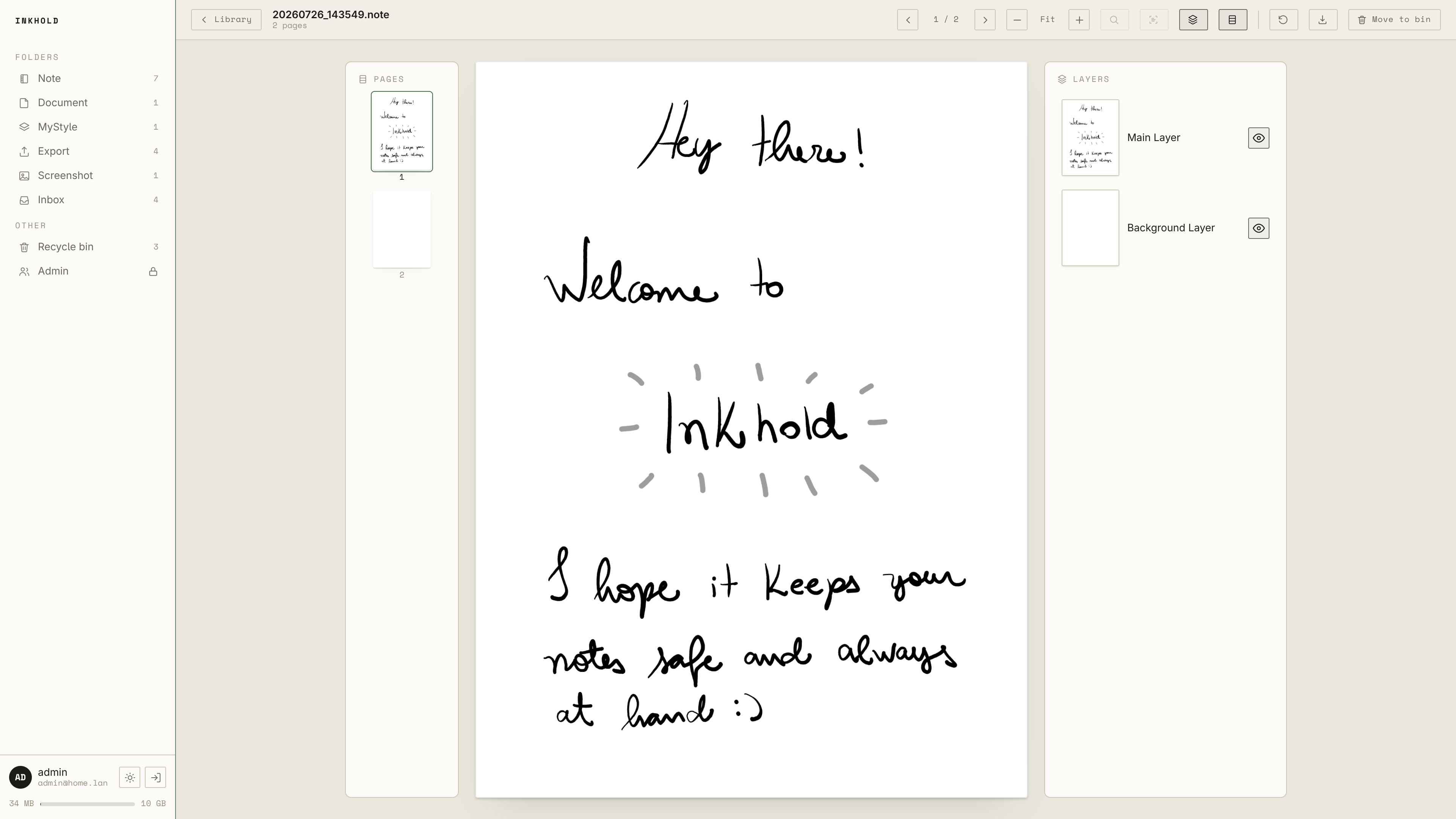
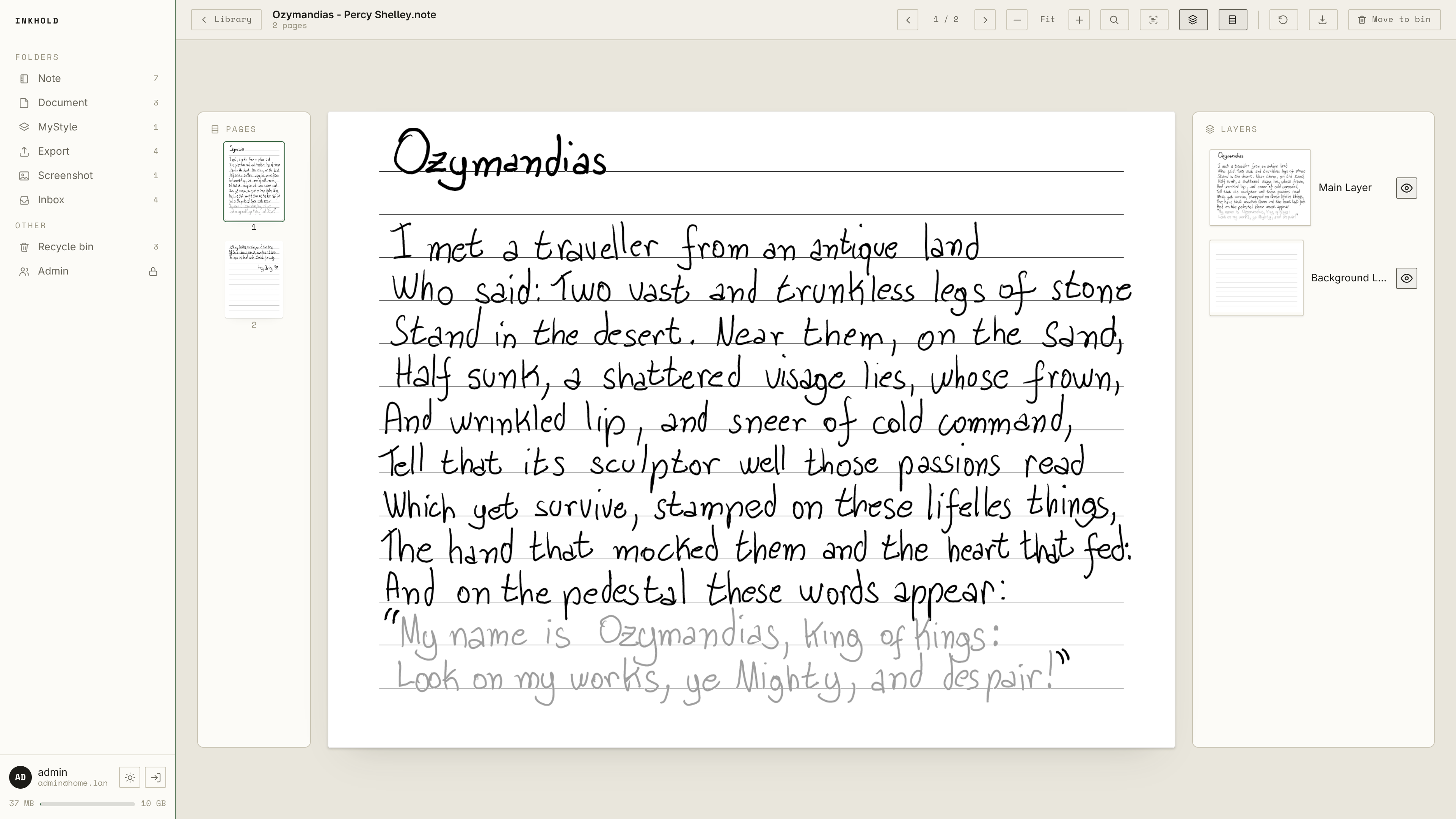
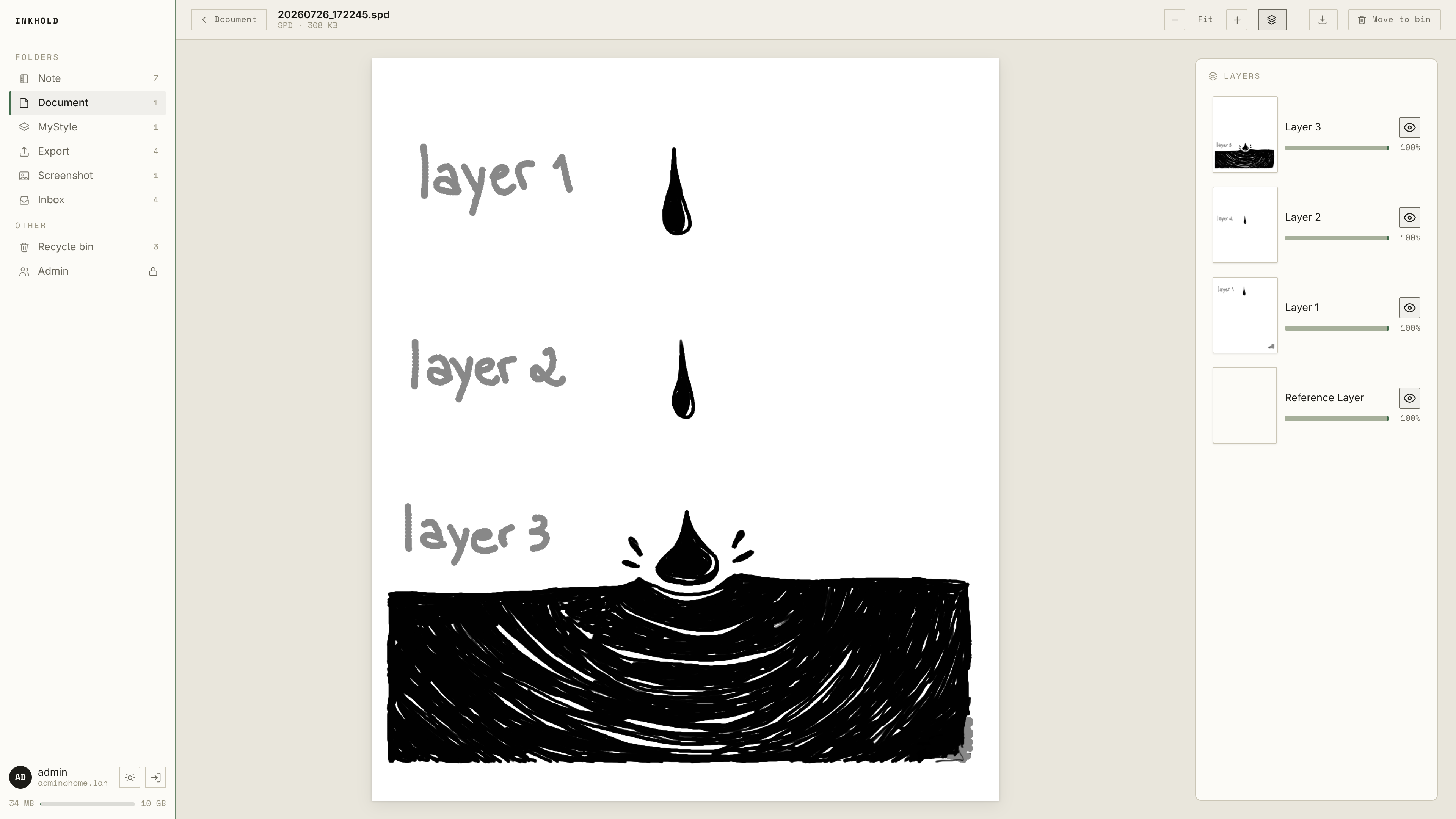
Open any notebook or sketch page by page — pages render right in your browser, so the server just moves bytes. Toggle individual layers, flip through the page rail, and zoom in on the ink.
Search your handwriting.
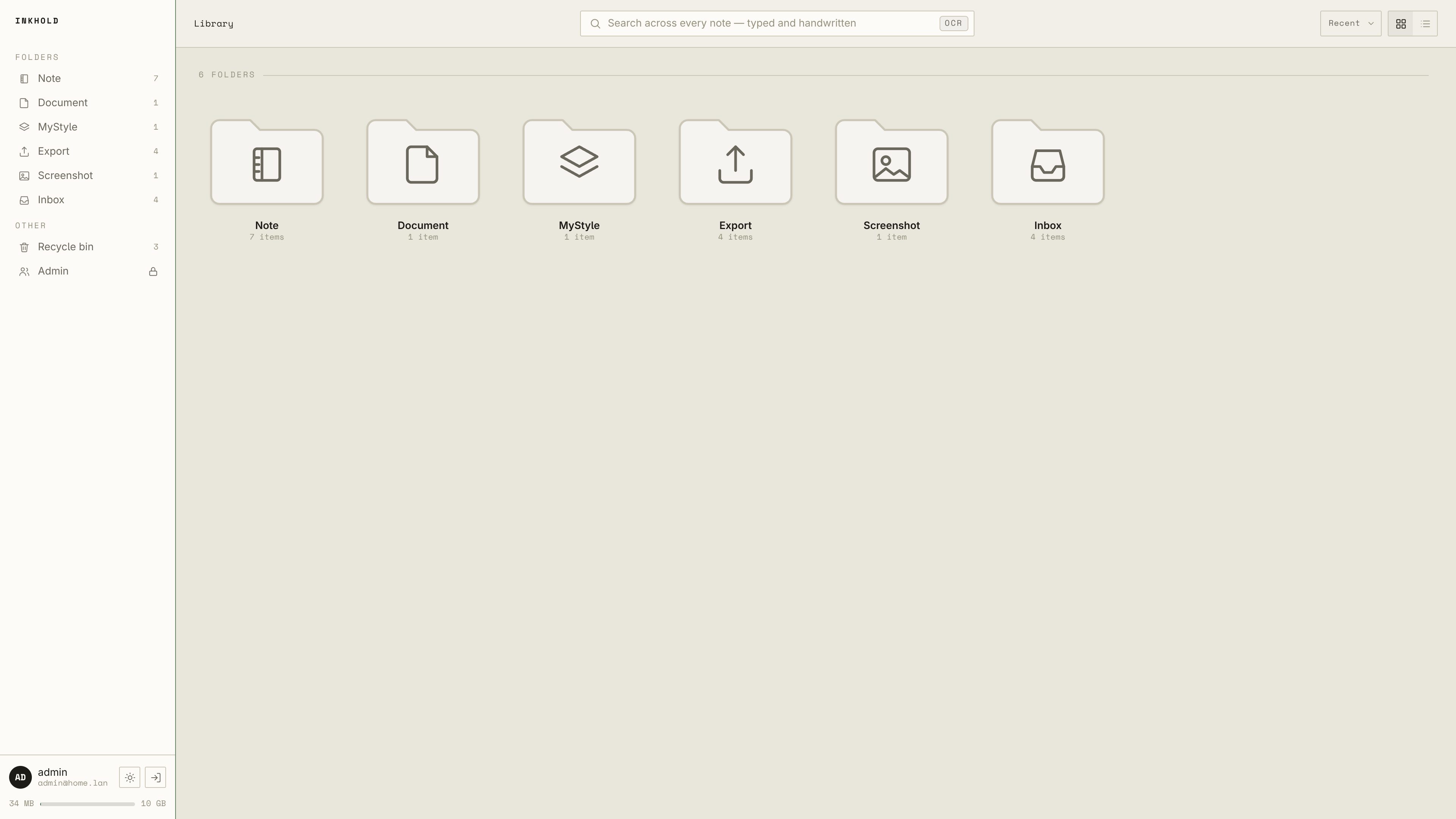
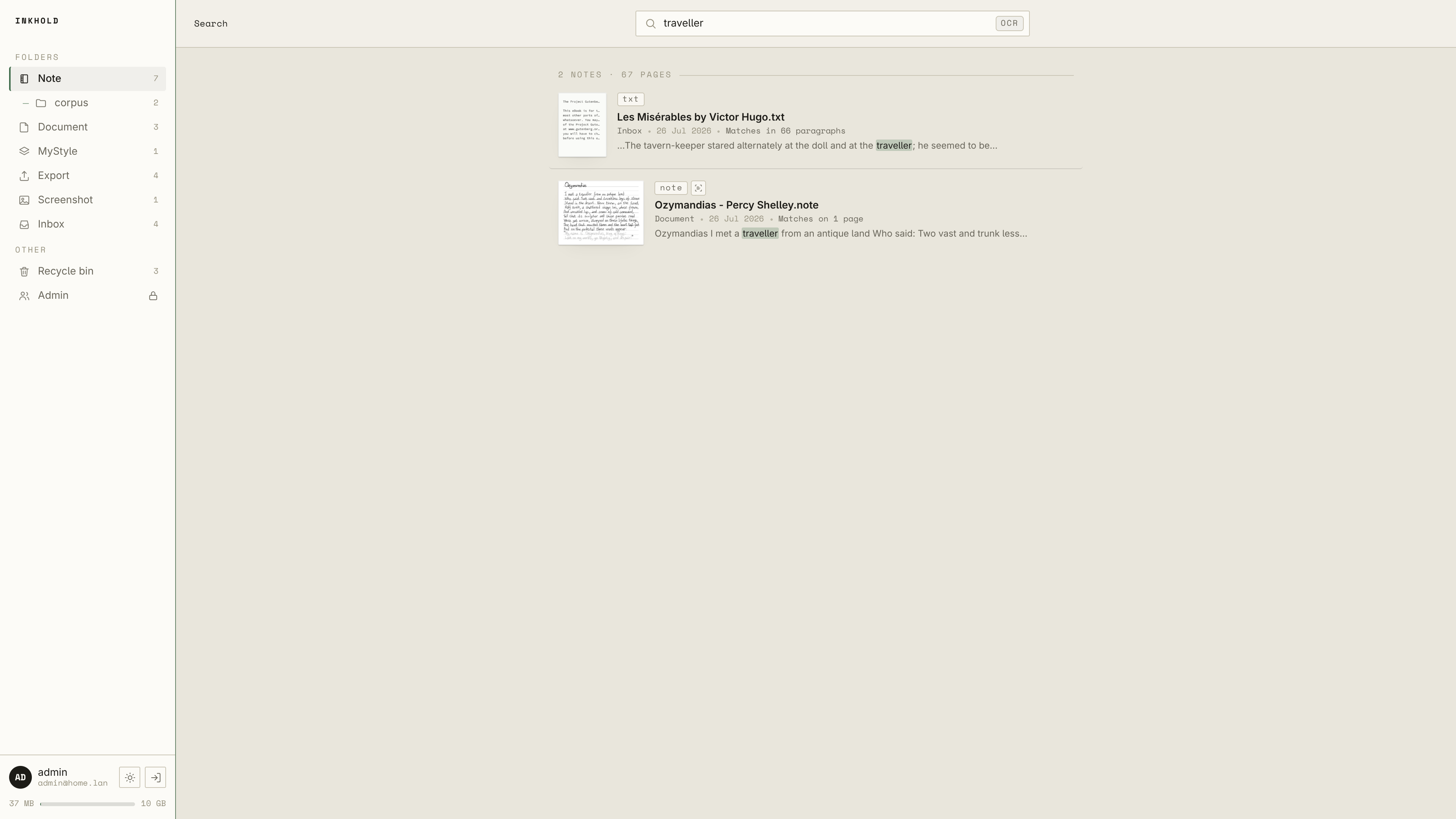
Inkhold indexes the on-device OCR text your Supernote already produces, so you can full-text search across every notebook — typed and handwritten — and jump straight to the page.
Every version, quietly kept.
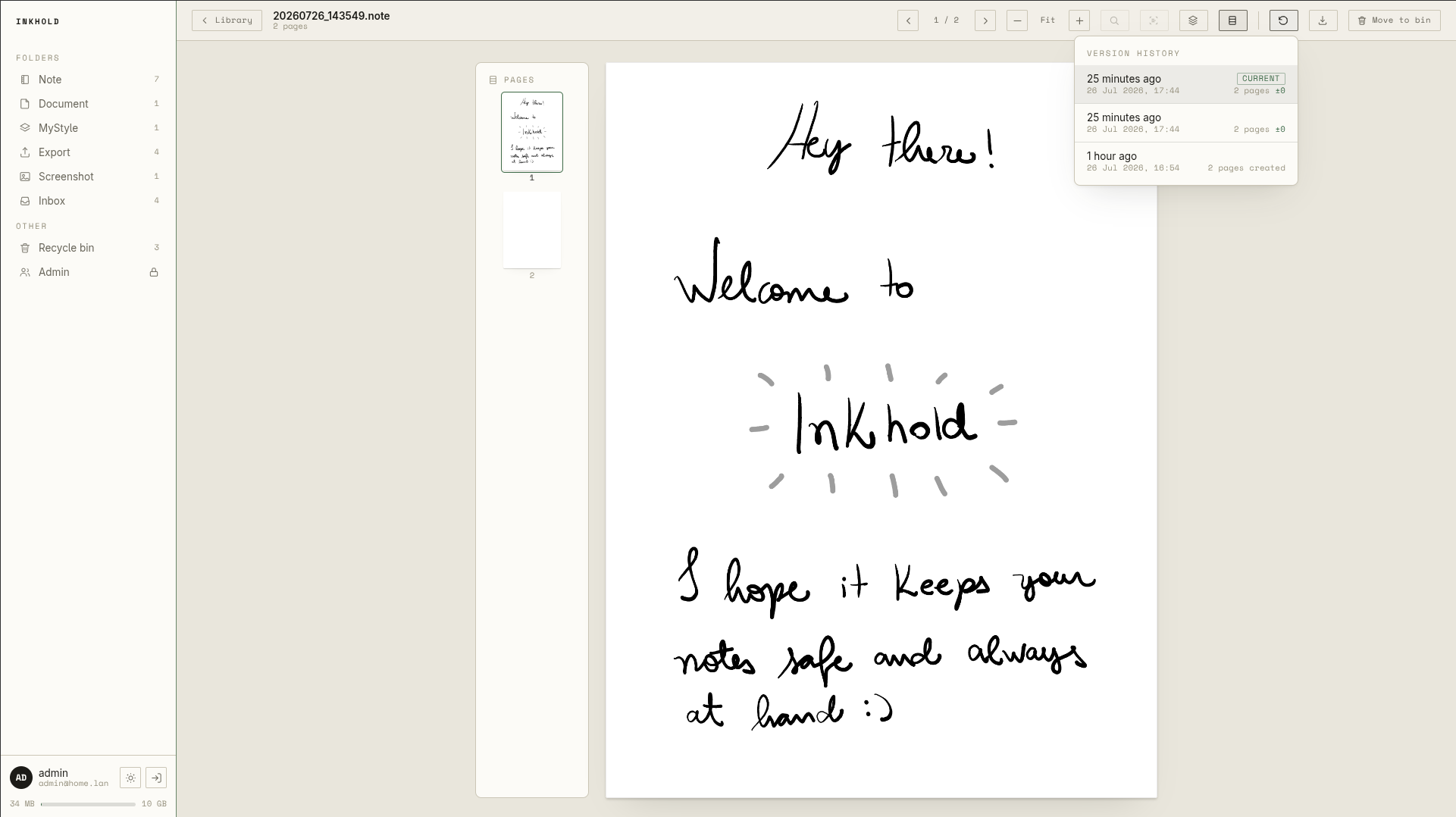
Each time a notebook changes, Inkhold keeps the previous state. Scrub back through its history — with the time and what changed on each page — and restore an earlier version when you need it.
Delete without the dread.
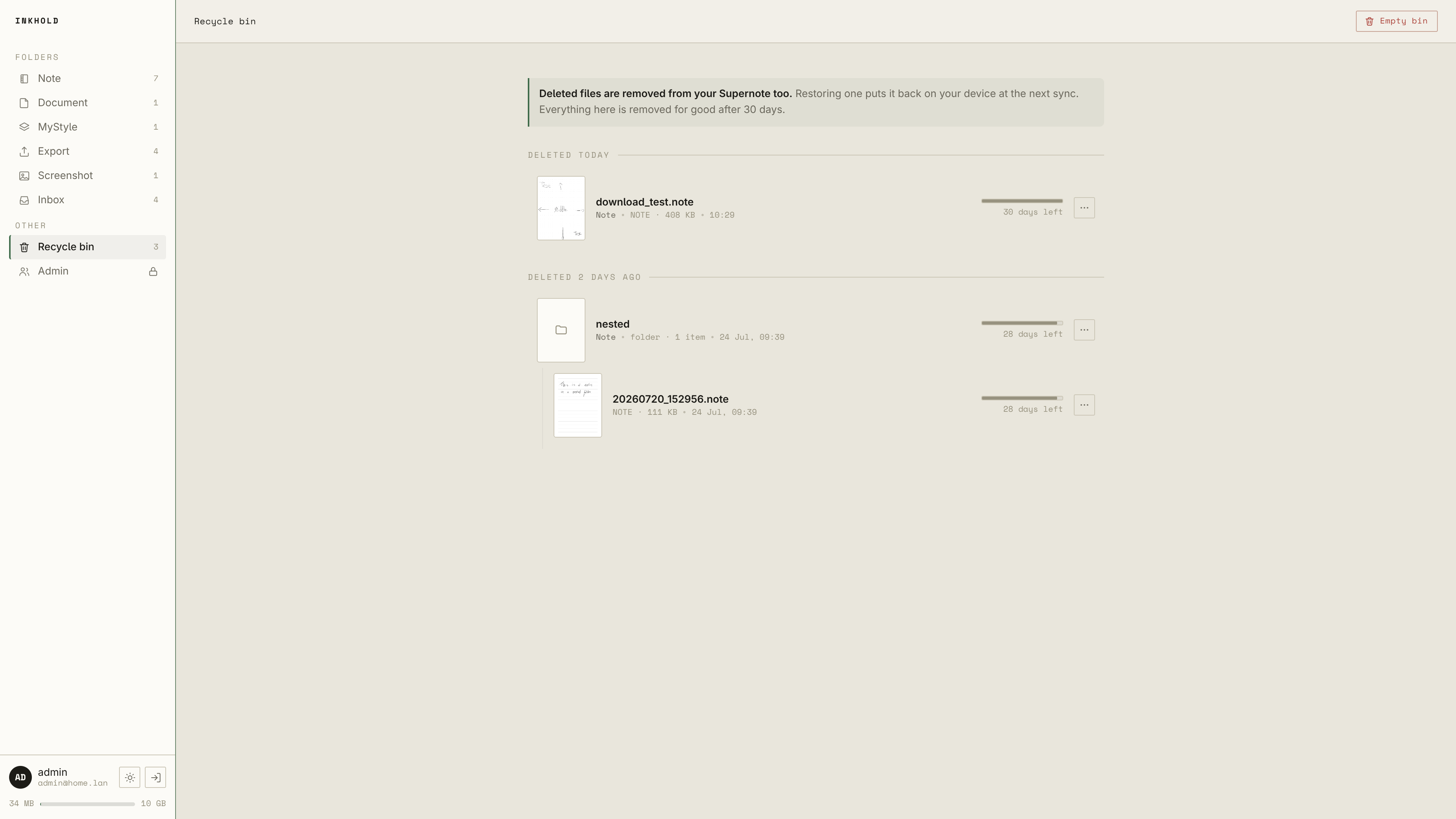
Files removed on your Supernote land in Inkhold's recycle bin — not oblivion. Everything keeps a retention window, and restoring a notebook puts it back on your device at the next sync.
Take it anywhere.
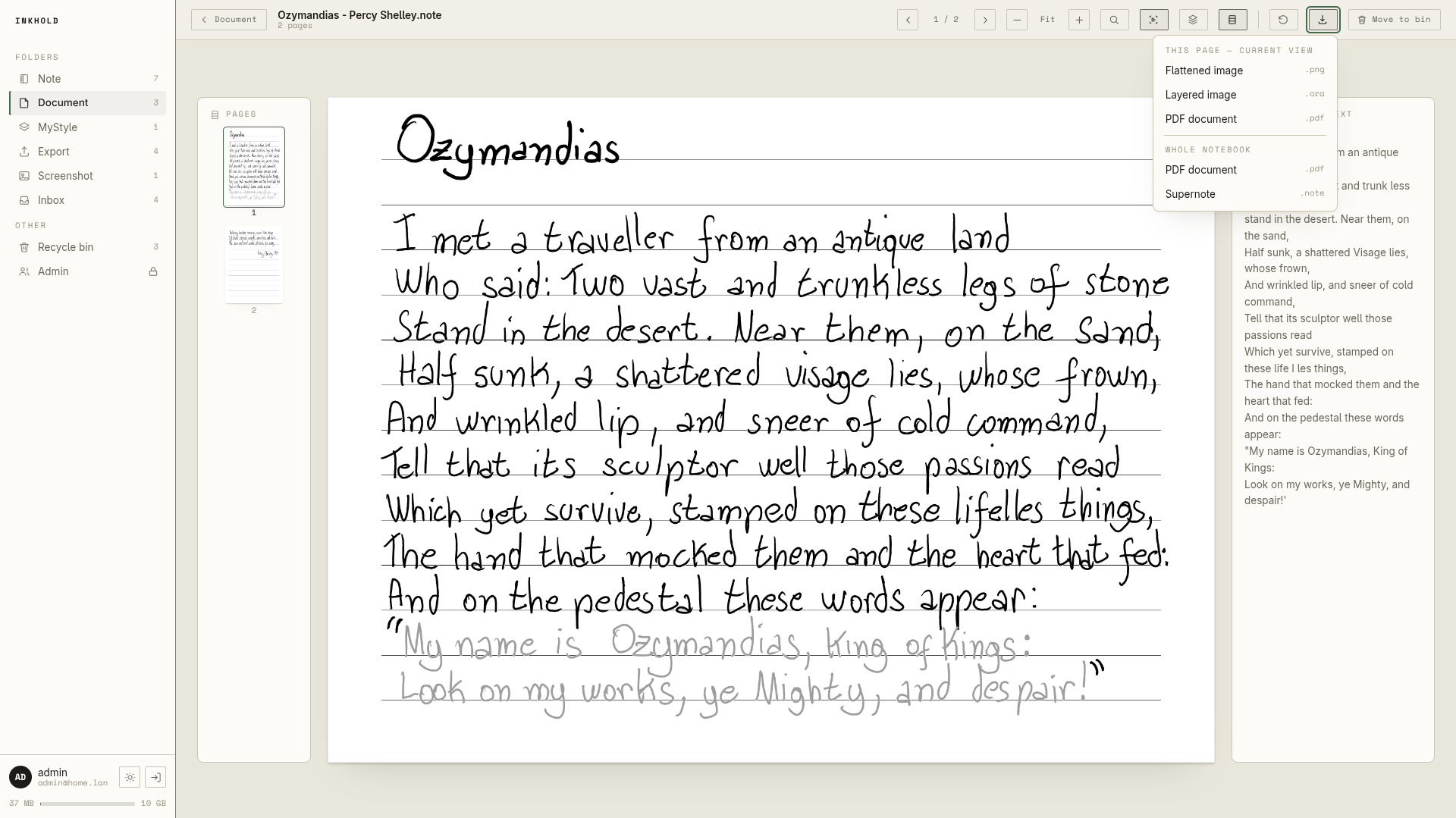
Export any notebook to a flat .png, a layered .ora, or a searchable PDF — the whole thing, with a real text layer you can select and search. Your ink, in formats the rest of your tools understand.
Absurdly light
Runs on a Raspberry Pi from 2014.
Where the official stack wants around 2 GB of RAM across five processes, Inkhold is one binary holding a ~50 MB ceiling — happy on a single-core, 32-bit Pi that's older than some of your notebooks.
The beta
Want to help shape it?
Inkhold is early software, verified end-to-end against a real Supernote Nomad. It's invitation-only for now — we'd rather nobody install something that touches their real notes before it's been properly tested. Want in? Comment on the beta issue and we'll add you to the repo.