Household · How-to
Find a note#
Search everything at once: notebook and file names, your handwriting, the text of PDFs and text files, and your to-dos.
- Type in the search box at the top of the library. On a phone, choose Search in the bar at the bottom.
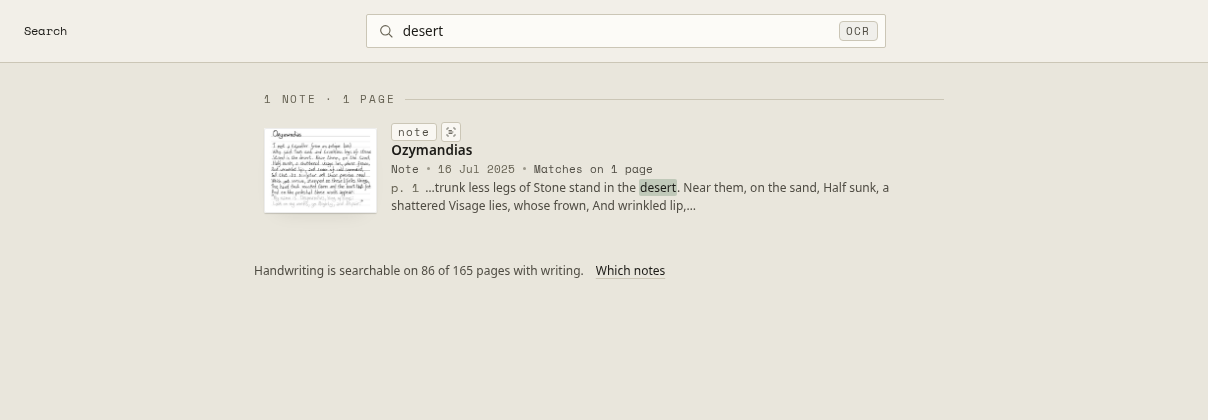
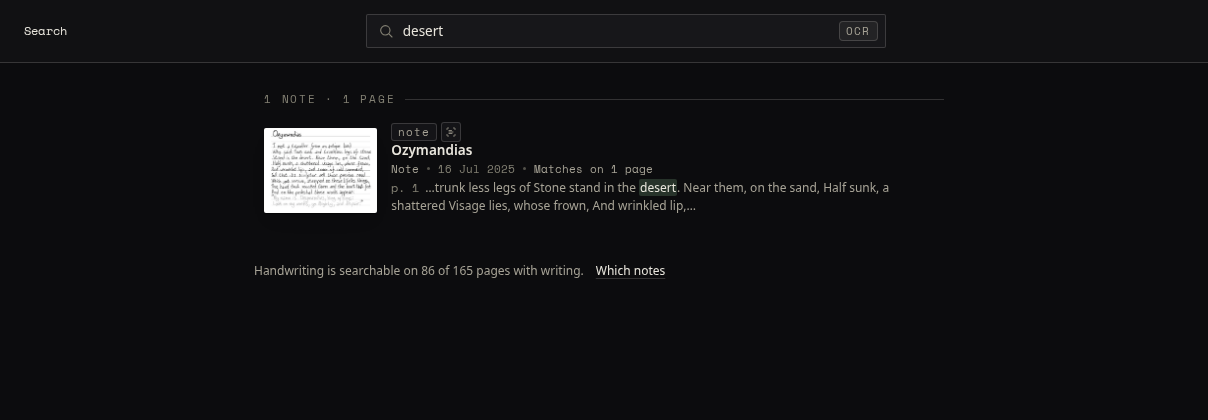
- Results appear as you type, best first. Each says how many pages matched and quotes the line it found.
- Open a result: it opens on the page the quoted line comes from, with the matches marked. Find in this note steps through the rest.
What it finds#
- Handwriting, from the text your Supernote recognised itself. A notebook the tablet never recognised can’t be searched; the line under the results, for example “Handwriting is searchable on 84 of 161 pages with writing”, says how much is covered, and Which notes lists the ones that aren’t.
- PDFs and text files, from their own text. Handwriting on a PDF is not searchable: see What doesn’t work yet.
- Close spellings. With no exact match, it says “No exact match — showing close matches.”, so a typo still finds the word you meant.
Search runs in your browser: the first search after opening the library may take a moment while it gathers what it needs.