Household · How-to
Read a note#
Open a notebook in the browser and read it page by page. Your browser draws the pages, with the same ink as on the tablet.
- Turn pages with the arrows in the bar, the arrow keys, or a swipe on a phone. Pages shows every page, to jump to one.
- Zoom with + and −, or a pinch on a phone. Fit fits the page to the screen again.
- Find in this note (Ctrl+F) searches its recognised handwriting and marks each match on the page.
- Recognized text shows the text the tablet recognised on the page.
- Layers shows a page’s layers, each on its own, to hide the ones you don’t want to see. It is available when the page has more than one.
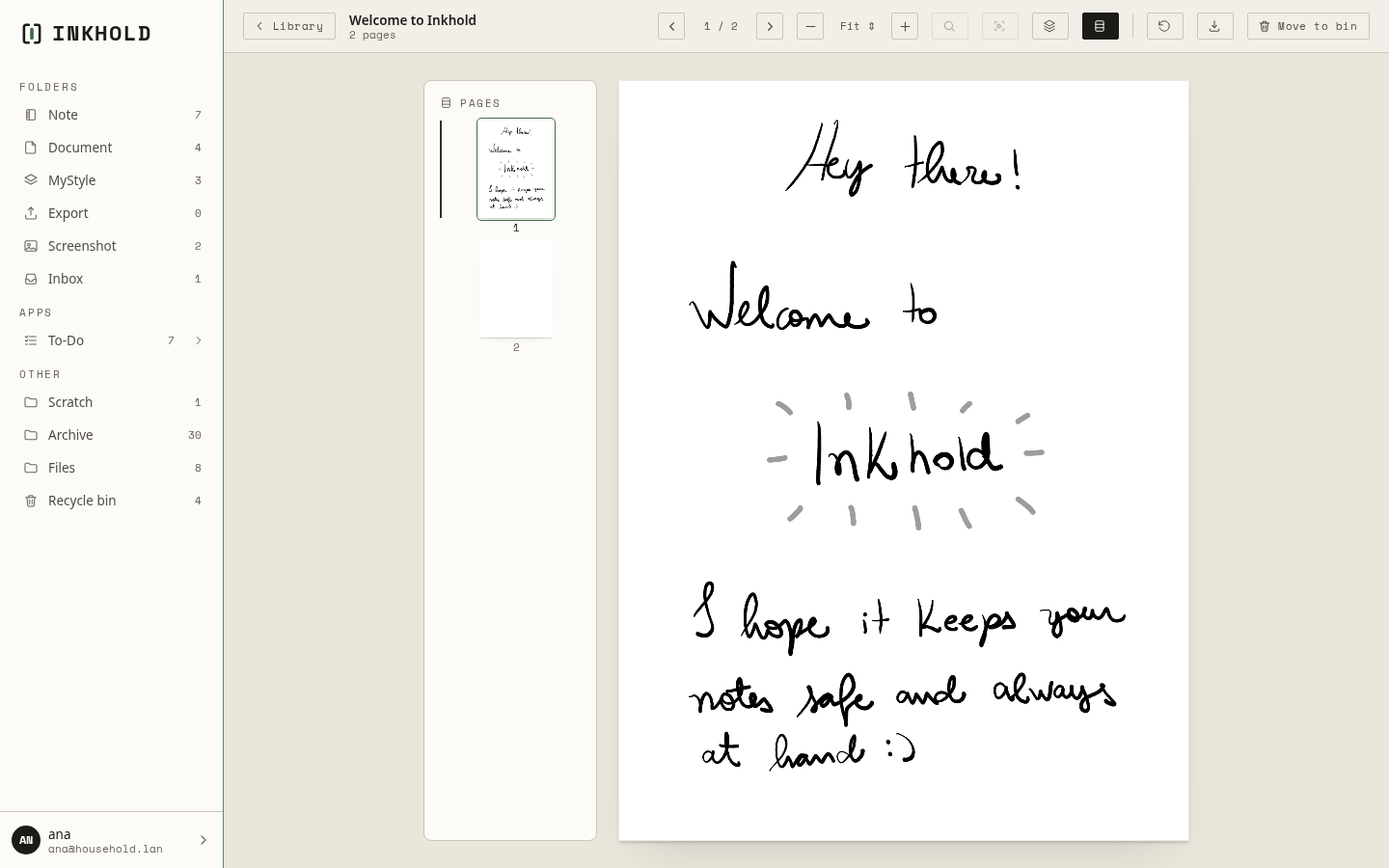
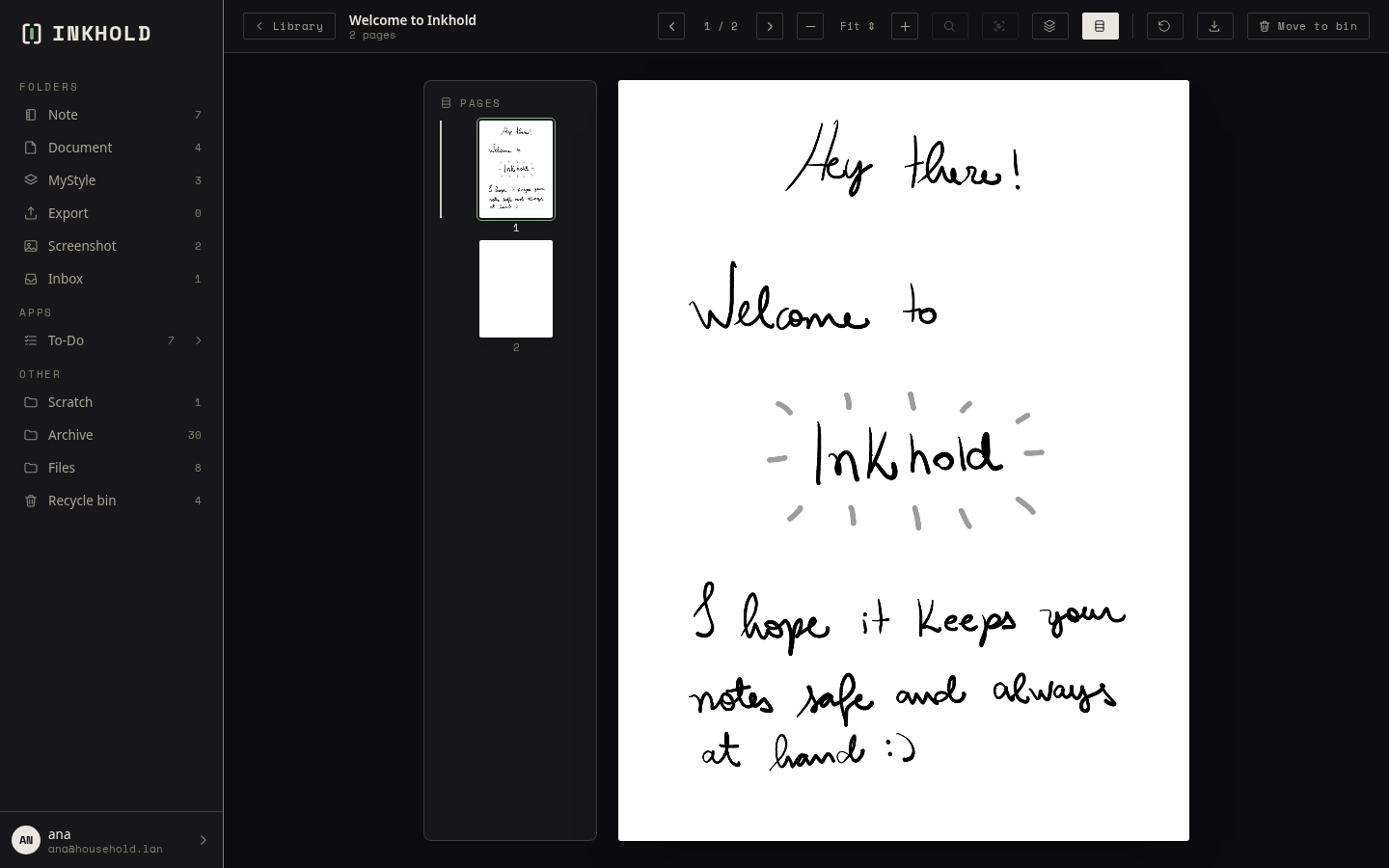
A sketch (.spd) opens the same way, with its layers’ opacity too. Text files
and images open in their own viewers; PDFs have
their own page.