Household · How-to
Go back to an earlier version#
Every time a notebook changes, Inkhold keeps the version before. Open one to see how its pages looked then, and bring it back if you need it.
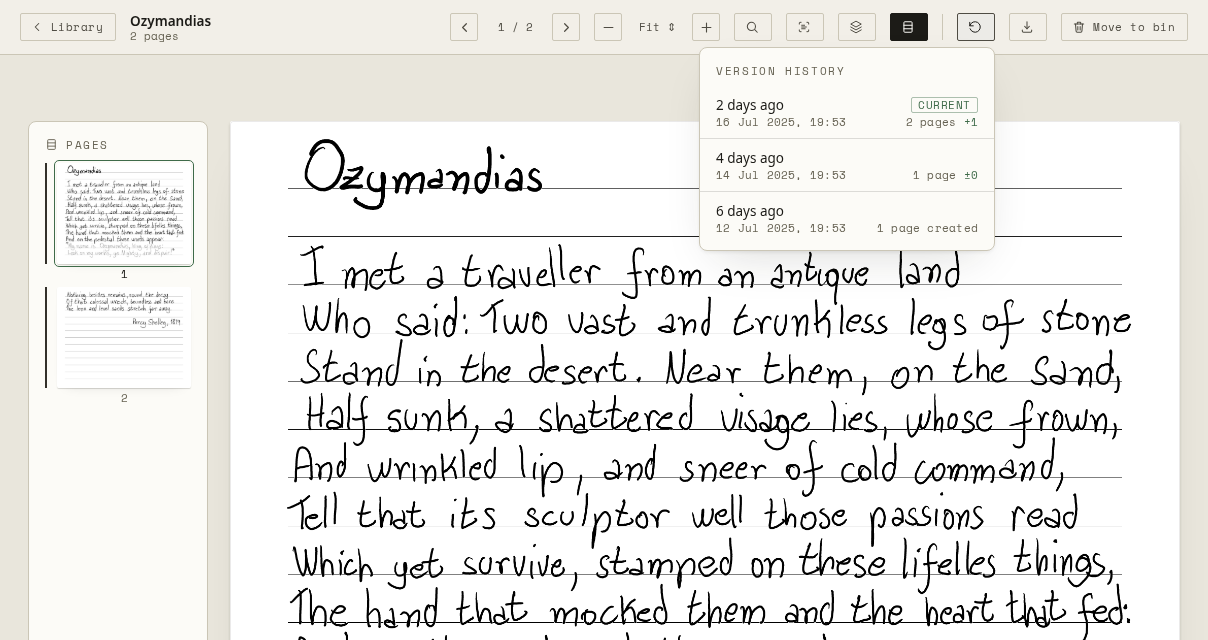
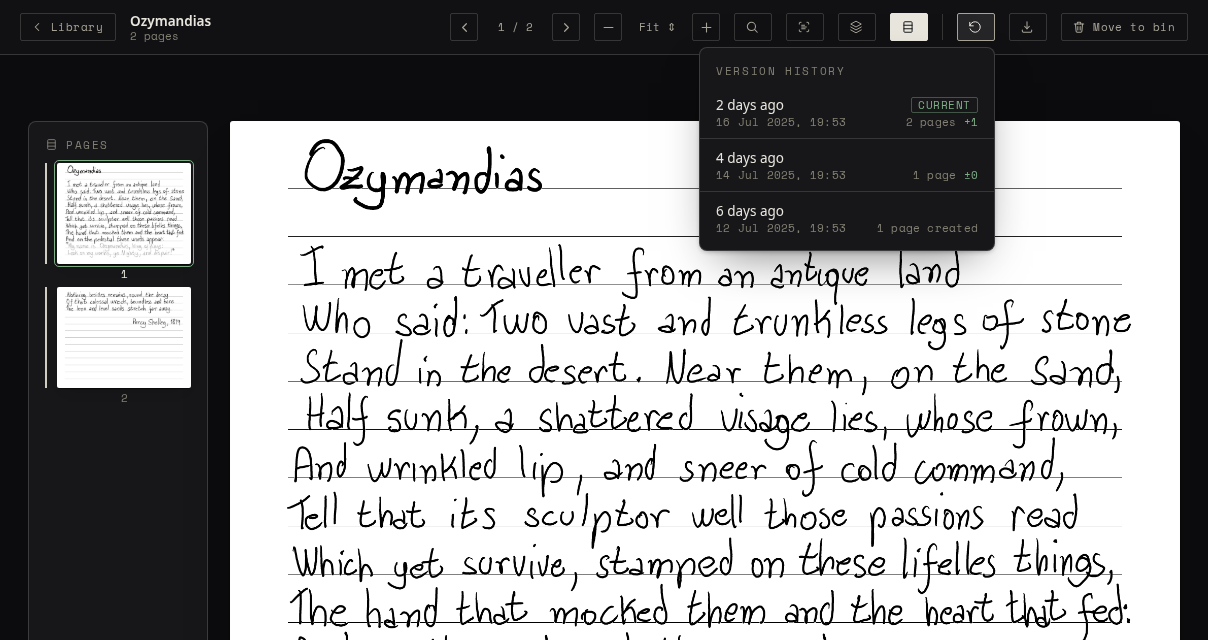
- Open the notebook, and choose Version history in its bar.
- Each version shows when it was saved and how many pages changed. Choose one to open it.
- To make it the current version again, choose Restore this version. The version you replace is kept too, so a restore can itself be undone.
The tablet gets the restored version at its next sync.
On a PDF, the history is the history of your handwriting on it, and you can preview and restore that the same way.