Household · How-to
Get back a deleted file#
Something deleted on the tablet or in the browser waits in the recycle bin before it is removed for good. It keeps its place in your folders, so getting it back puts it where it was, and on the tablet at its next sync.
- Choose Recycle bin in the library’s left rail. Deleted files are grouped by the day they were deleted, each with the days it has left.
- Choose the file to look at it before you decide.
- Choose Restore, in the file’s own view or in its row’s menu.
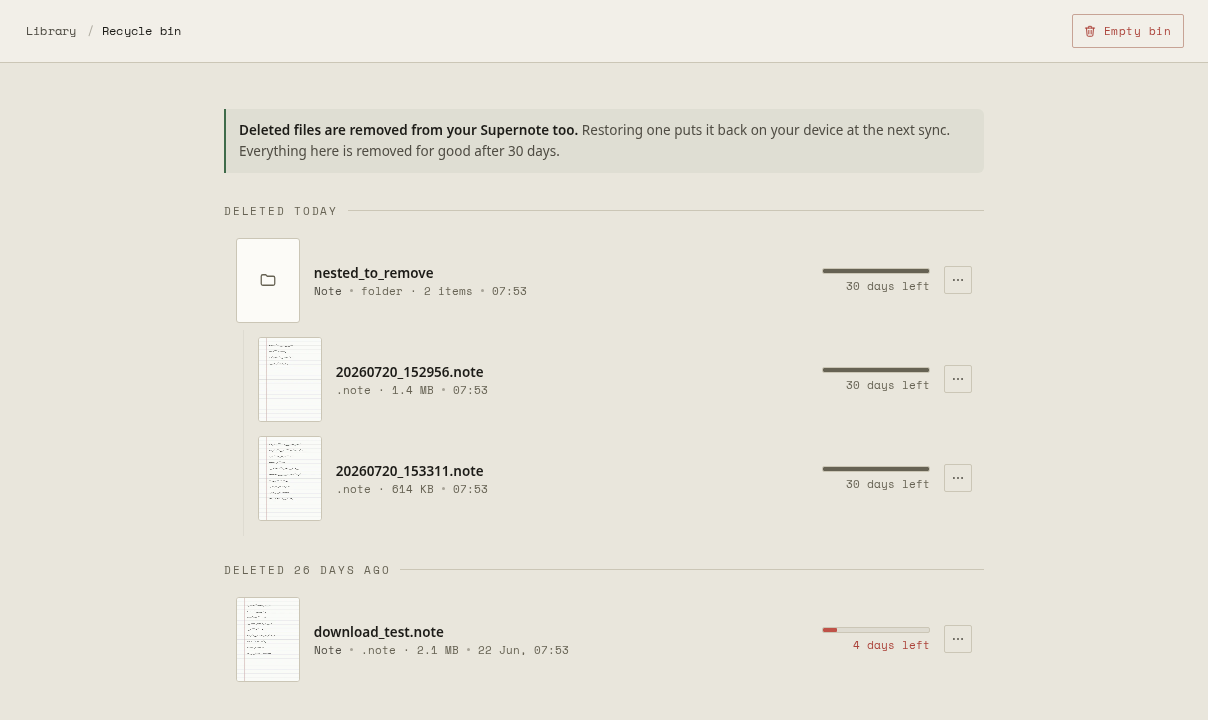
How long the bin keeps things is up to the household’s administrator: 30 days unless they changed it.
Delete for good#
Delete permanently, in a row’s menu, removes one file now. Empty bin, at the top, removes everything in it. Neither can be undone.