Operator and household · Tutorial
Your first sync#
In this tutorial you start Inkhold on a computer at home, sign in from a browser, point your Supernote at it, and see your notebooks in the library. It takes about fifteen minutes. You need a computer that runs Docker, and your tablet on the same network.
1. Copy your tablet first#
Connect the tablet to a computer and copy its folders somewhere safe. Inkhold is in beta and sync runs both ways; this copy is your way back.
2. Start Inkhold#
On the computer that will keep your notes, run:
docker volume create inkhold
docker run -d --name inkhold -p 8089:8089 -v inkhold:/var/lib/inkhold \
  ghcr.io/m00qek/inkhold:latest
docker logs inkhold
The last command prints a line like:
Created admin 'admin@home.lan' with a temporary password: props-barbecue-lumber-wrought
Keep that password: it is shown only once.
3. Sign in from a browser#
Find the computer’s address on your network (hostname -I prints it), and
open http://<that address>:8089.
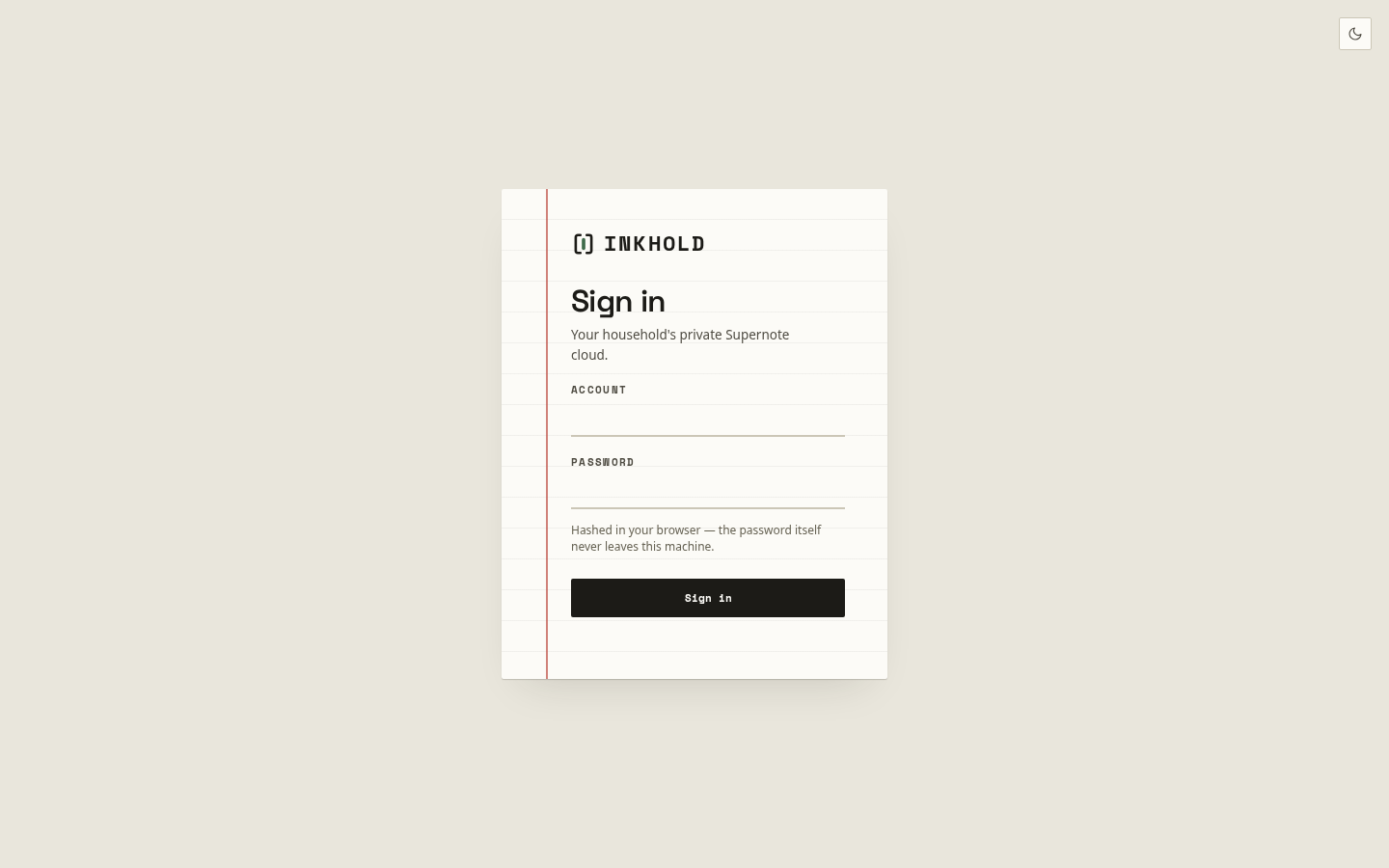
Enter admin@home.lan as the Account and the temporary password as the
Password, and choose Sign in. Inkhold asks you to choose your own
password; do that.
Inkhold then shows Connect your Supernote: the address to type on the tablet, and Waiting for your Supernote to sync…. Leave the page open.
4. Point the tablet at it#
On the tablet, open Settings → Drive, and next to Private Cloud tap
Log in. After http://, type the computer’s address; in Port, type
8089; leave Enable HTTPS off. Tap Connect, then sign in with
admin@home.lan and your new password. If the tablet asks how to treat its
digest and to-do data, choose Retain locally.
5. Sync#
Tap sync in the tablet’s top bar. Back in the browser, the page says Your Supernote connected; choose Open the library. Your folders and notebooks appear as they arrive. Open one: its pages are drawn by your browser, the same ink as on the tablet.
What you have now#
A private cloud for your Supernote, in your home. From here:
- Back up automatically, so the server is not the only copy.
- Add a household member, with their own account and tablet.
- Put it behind HTTPS, to sync from outside your home.