Your Supernote, synced to a computer you own.
Inkhold takes the place of Supernote's Private Cloud. Point your tablet at it and it syncs as it always has, but your notes stay in your home, and everyone in the house can read, search and recover them from a browser.
Get Inkhold Read the user manual
Free and open source (GPLv3). In beta, tested end to end on a Supernote Nomad. Unofficial: not made by Ratta.
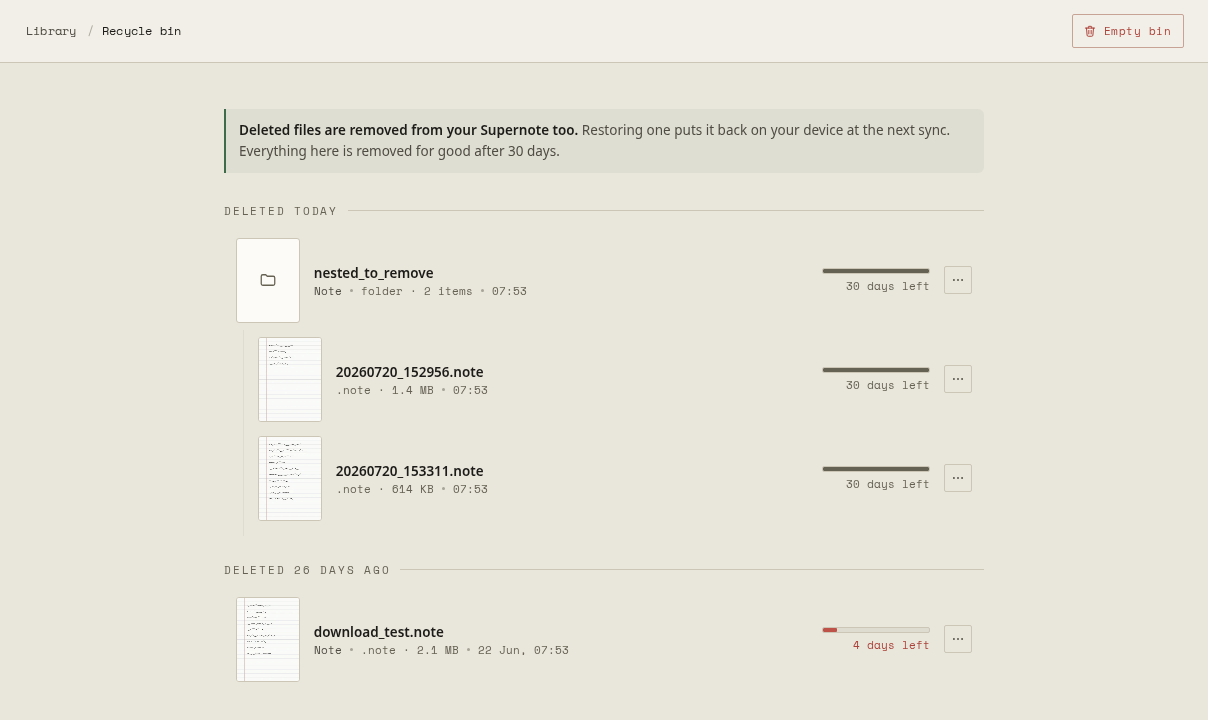
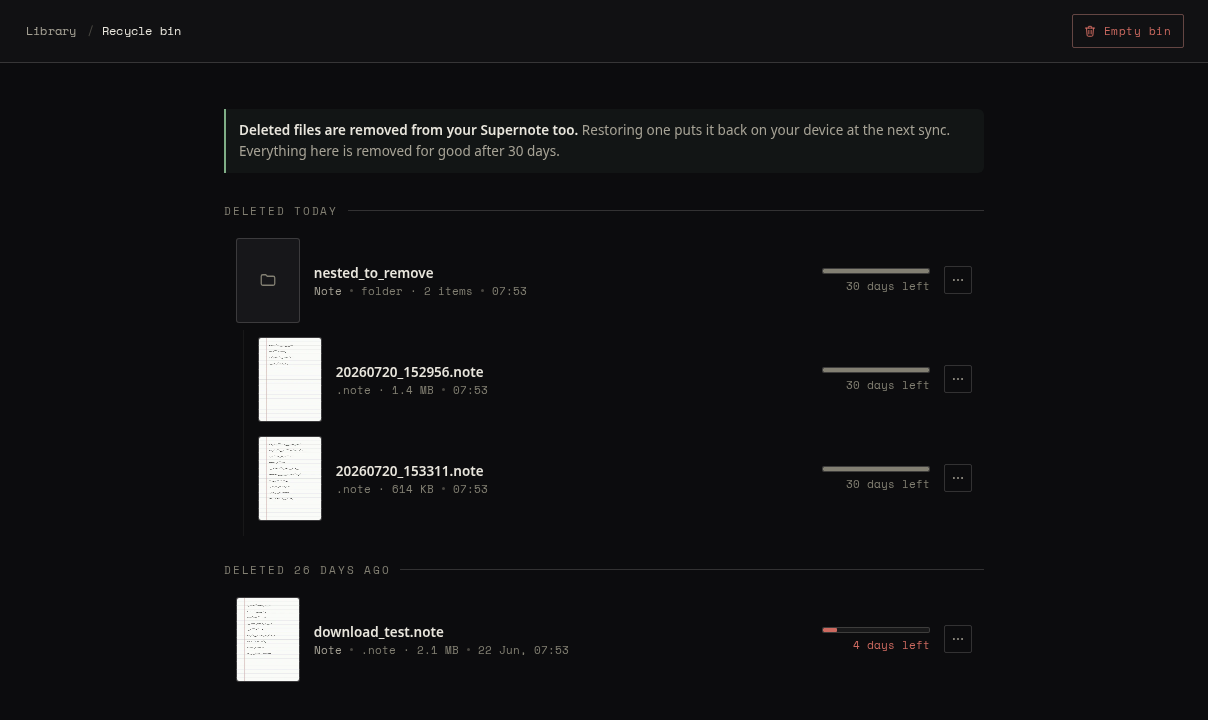
Nothing you delete is gone at once
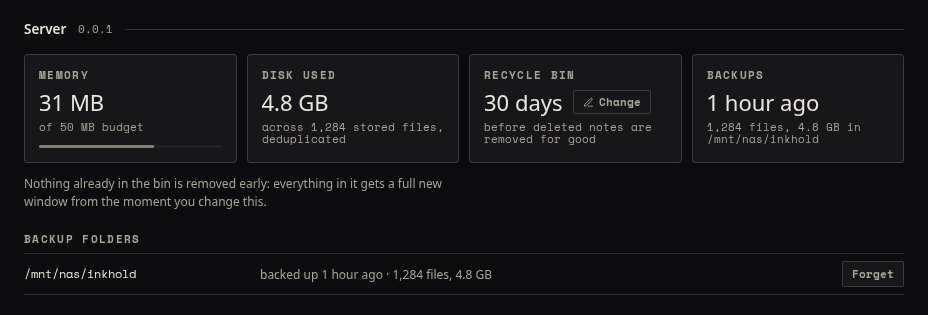
Delete a notebook on the tablet and it waits in Inkhold's recycle bin for 30 days, a window the admin can change. Restore it and it is back on the tablet at the next sync.
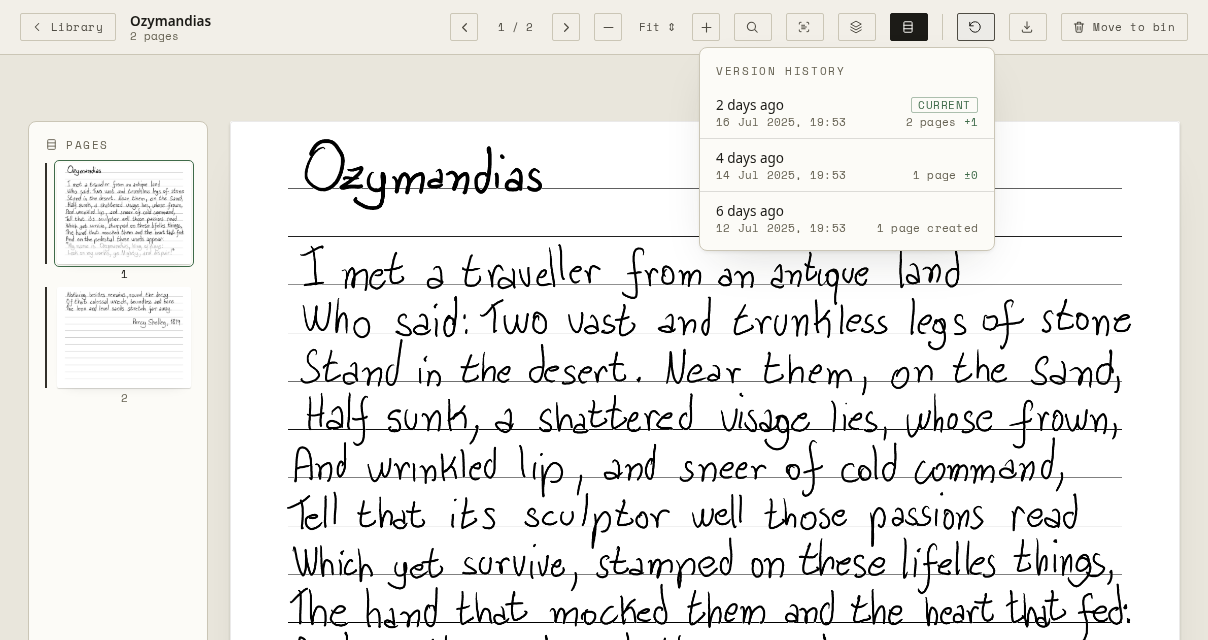
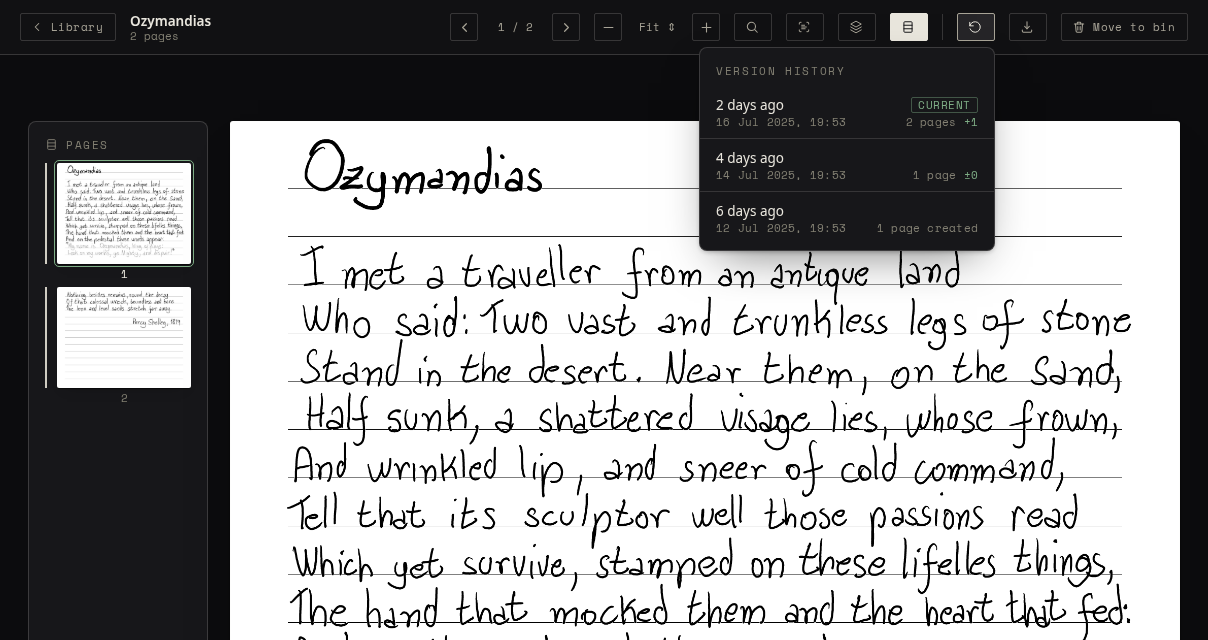
Every saved version of a notebook is kept as well: open how a page looked last week, and bring that version back if you need it, the handwriting on an annotated PDF included.
Backups that run themselves
Inkhold backs itself up into a folder of plain files: a NAS share, a USB disk, your Dropbox. Each night adds only what changed, every snapshot is complete on its own, and a backup can be checked without restoring it.
In Docker, mount a folder at /backup and that is all. If backups stop, admins see it in the library and in the admin console.
inkhold backup create /mnt/nas/inkhold --keep=7
inkhold backup verify /mnt/nas/inkhold
inkhold restore /mnt/nas/inkhold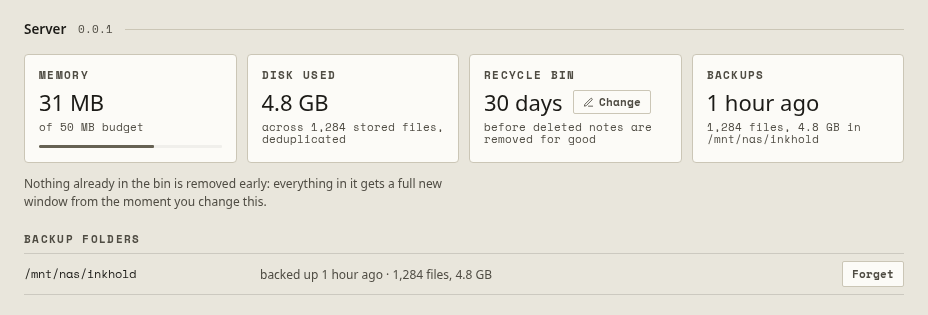
Every page, in any browser
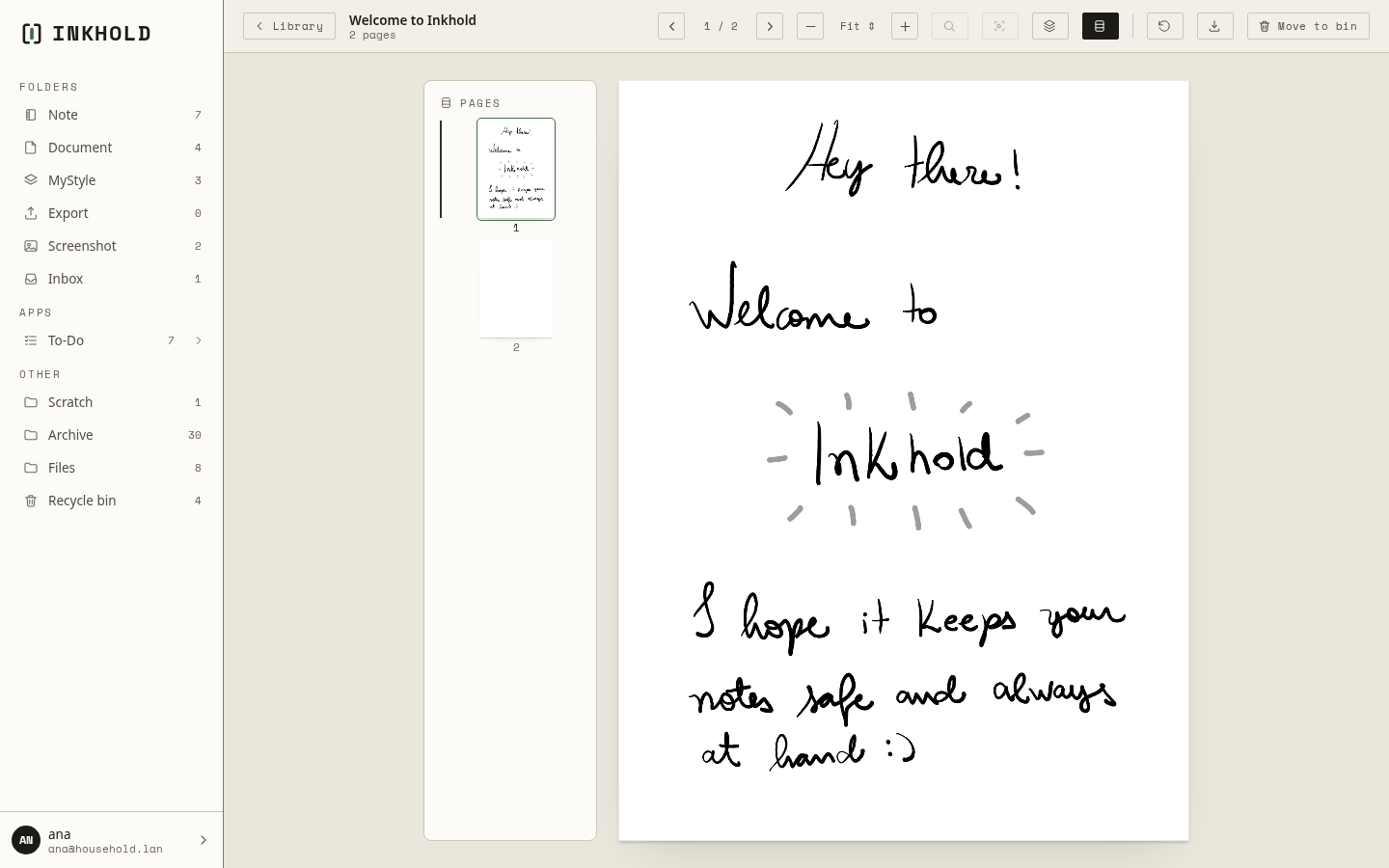
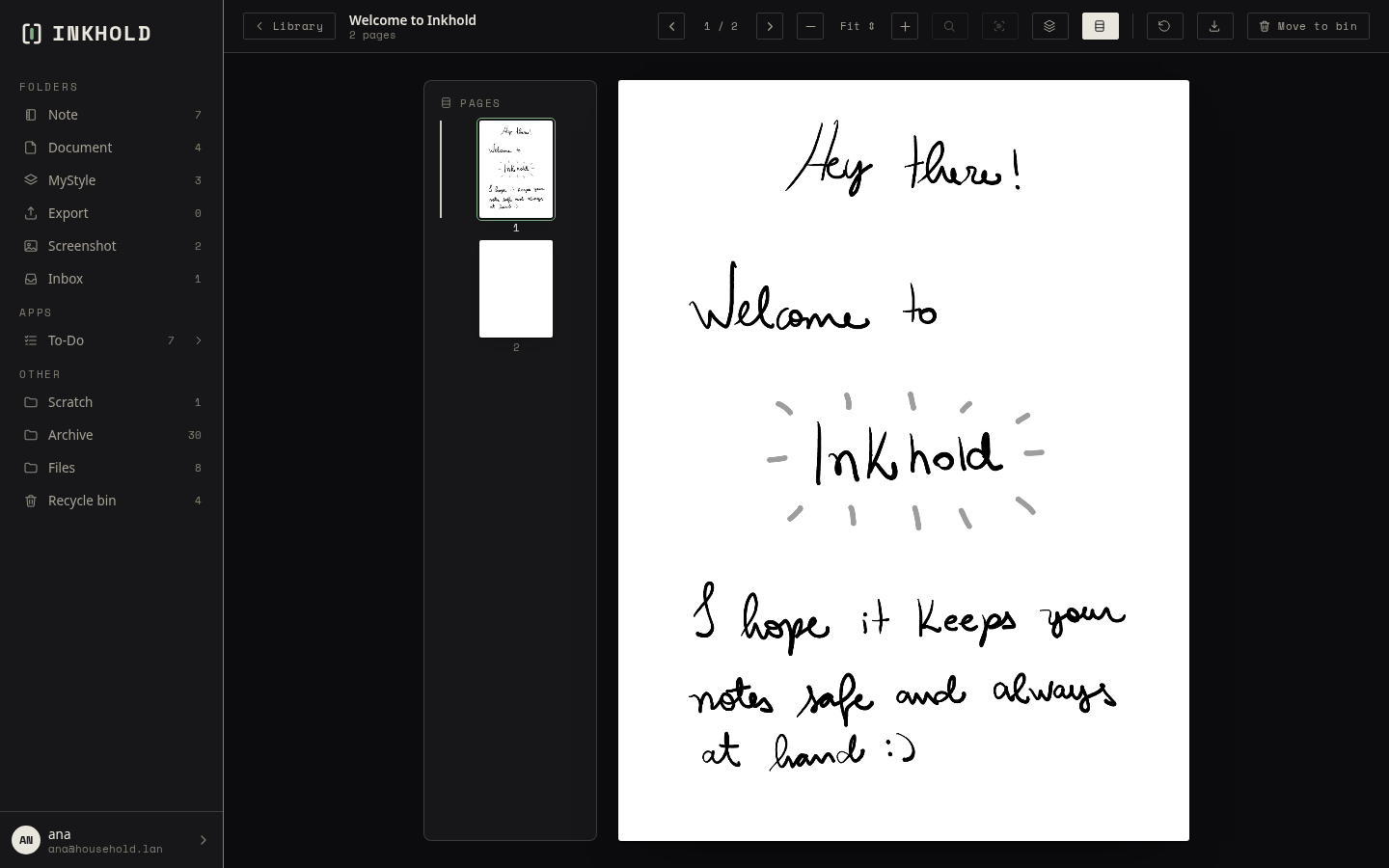
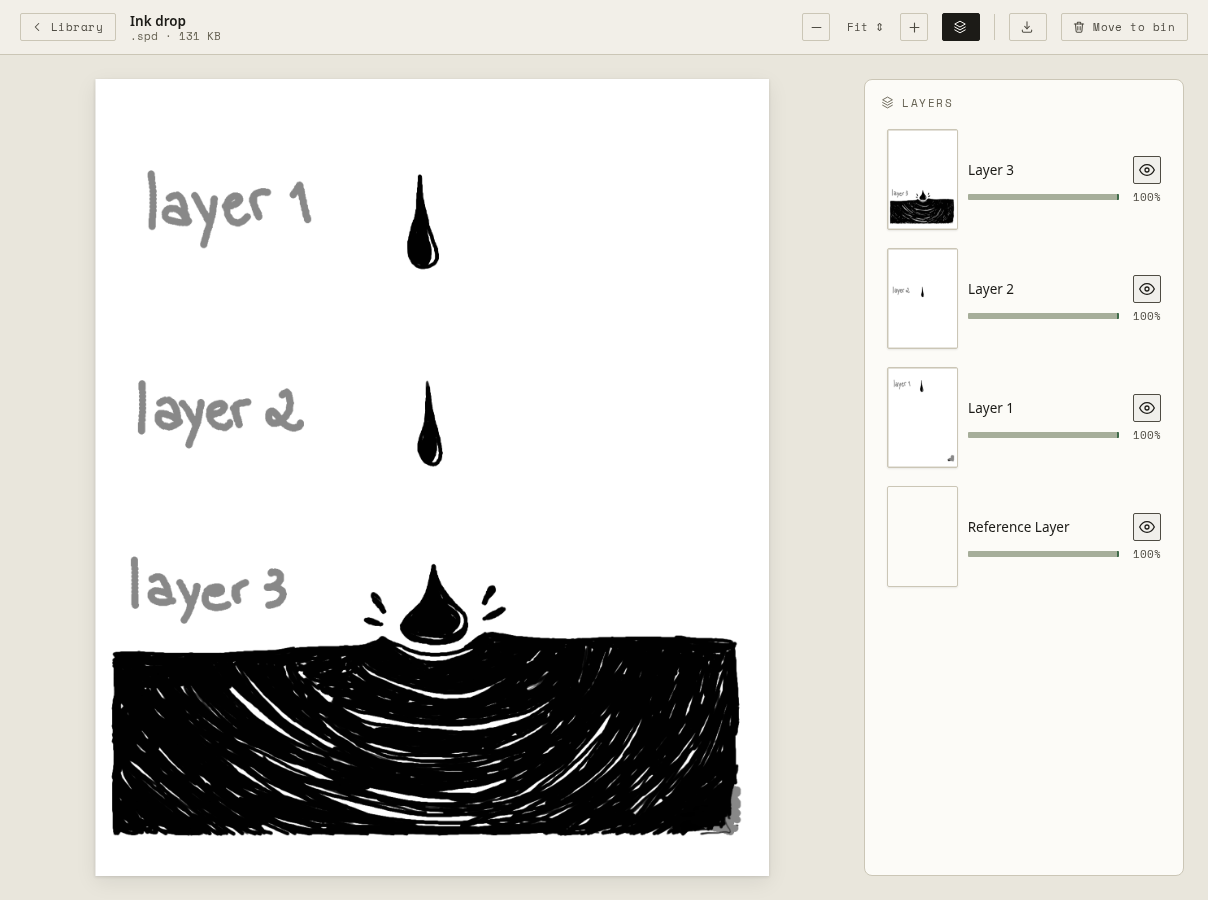
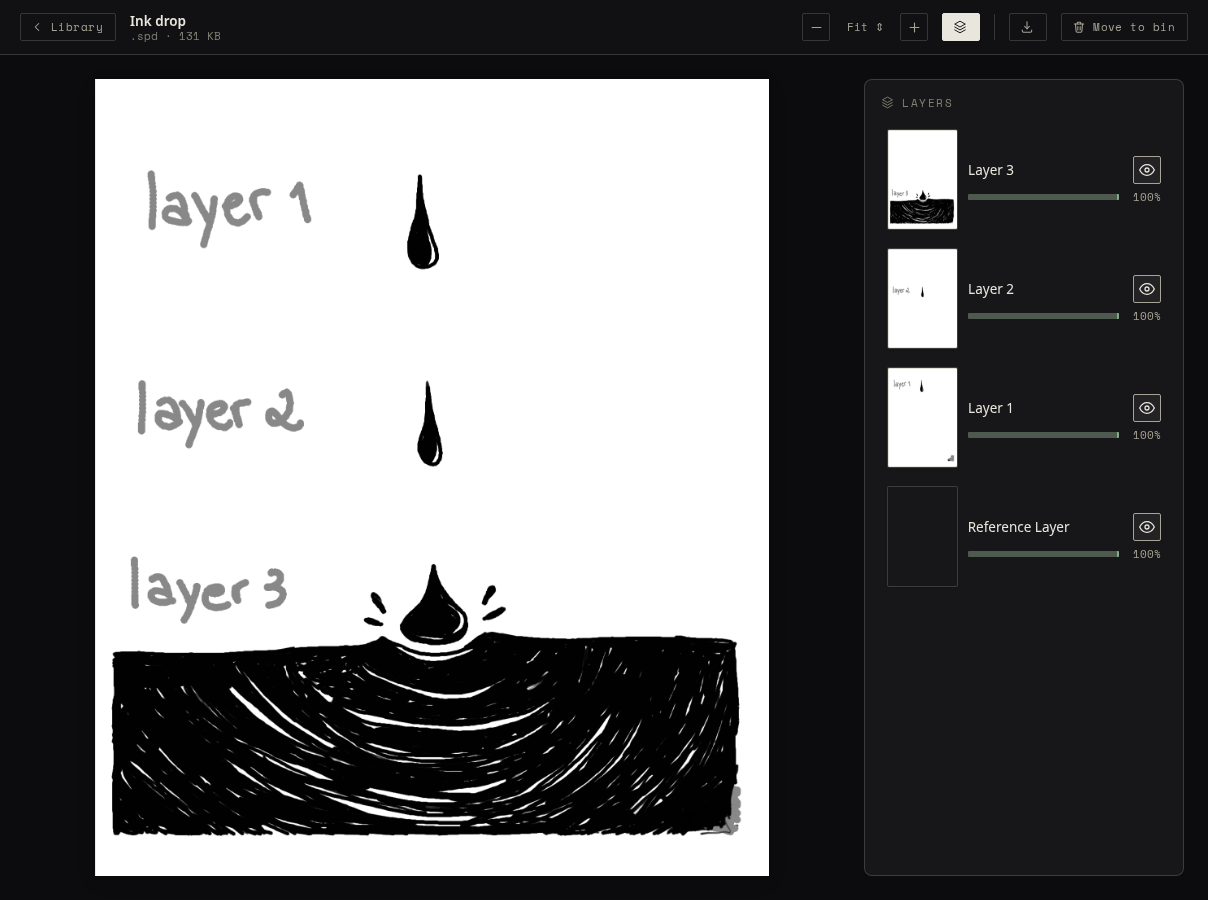
Open a notebook and read it page by page; open a sketch and see each of its layers on its own. PDFs come with their contents and text you can select and copy, and text files open too.
Your browser draws the pages, not the server, so a small computer is enough to serve a whole household. Export any notebook as a PDF with searchable text, a PNG, or a layered image.
Search your handwriting
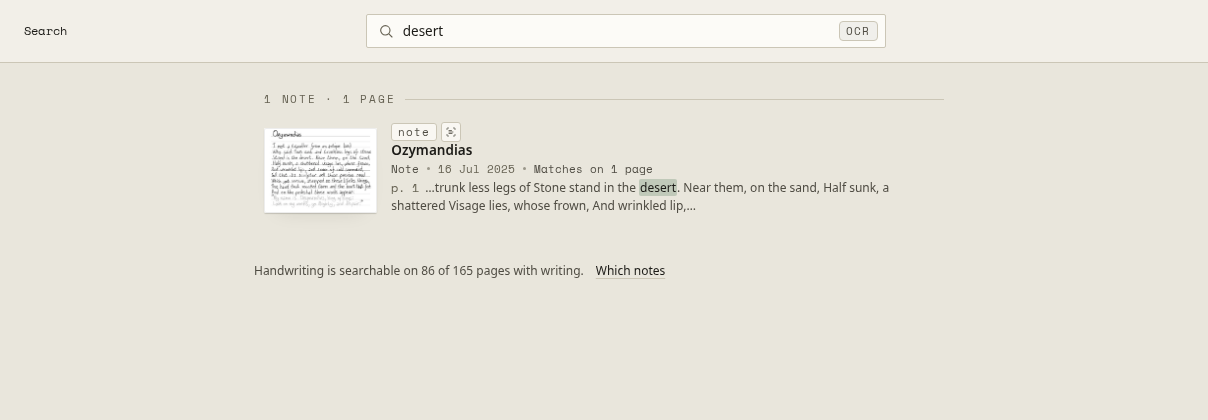
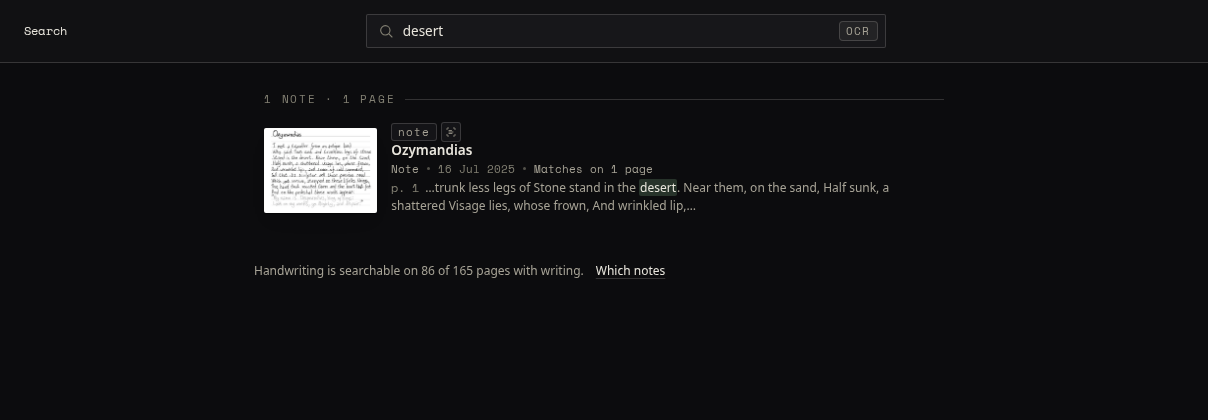
Your Supernote already recognises your handwriting. Inkhold makes that text searchable across every notebook, with PDFs and text files alongside, and finds the word you meant even with a typo.
The search runs in your browser, and it tells you which notebooks it can't search yet, rather than letting a missing result look like an answer.
Your to-dos, on both sides
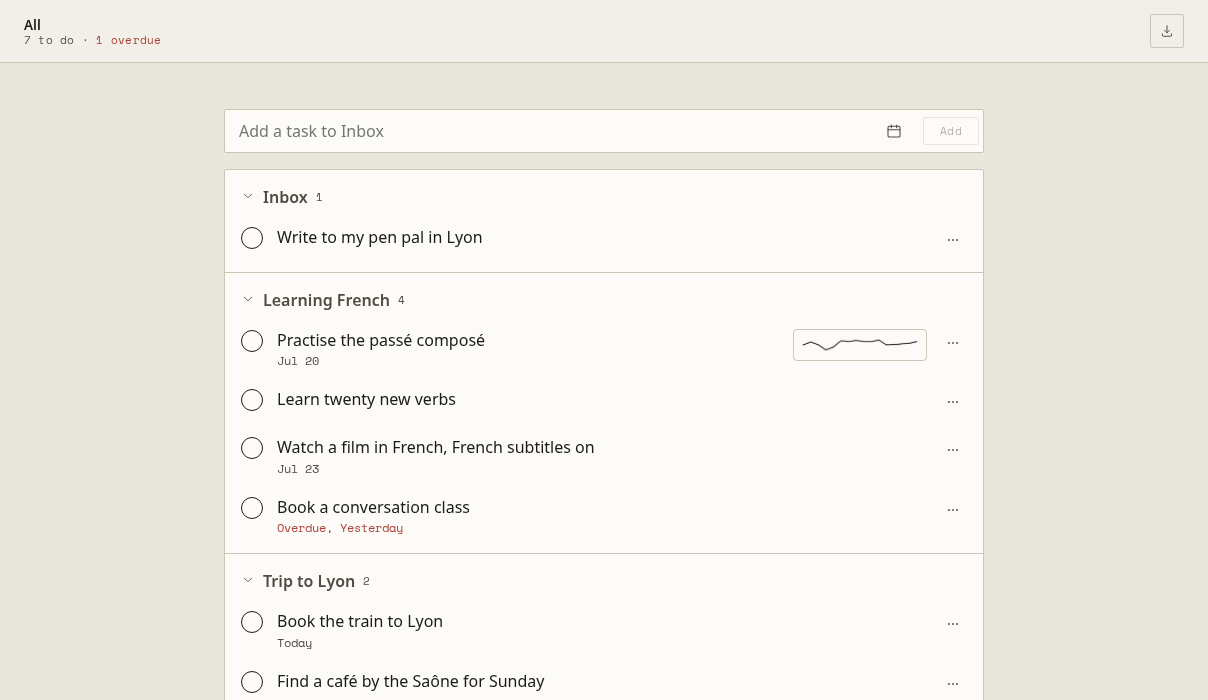
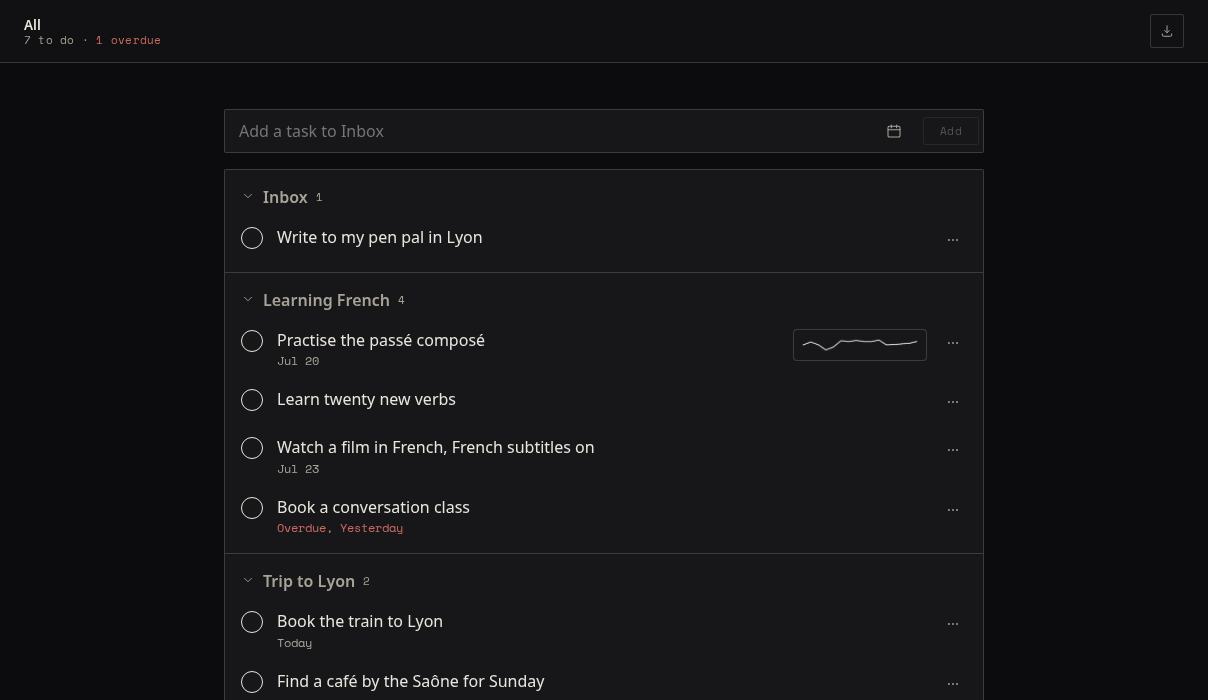
The lists and tasks of the tablet's To-Do app appear in the browser, where you can add, tick off, date and move them. The tablet picks the changes up at its next sync, and a task written from a note links back to its page.
To-Do sync is new: it is off until you turn it on.
On your phone, too
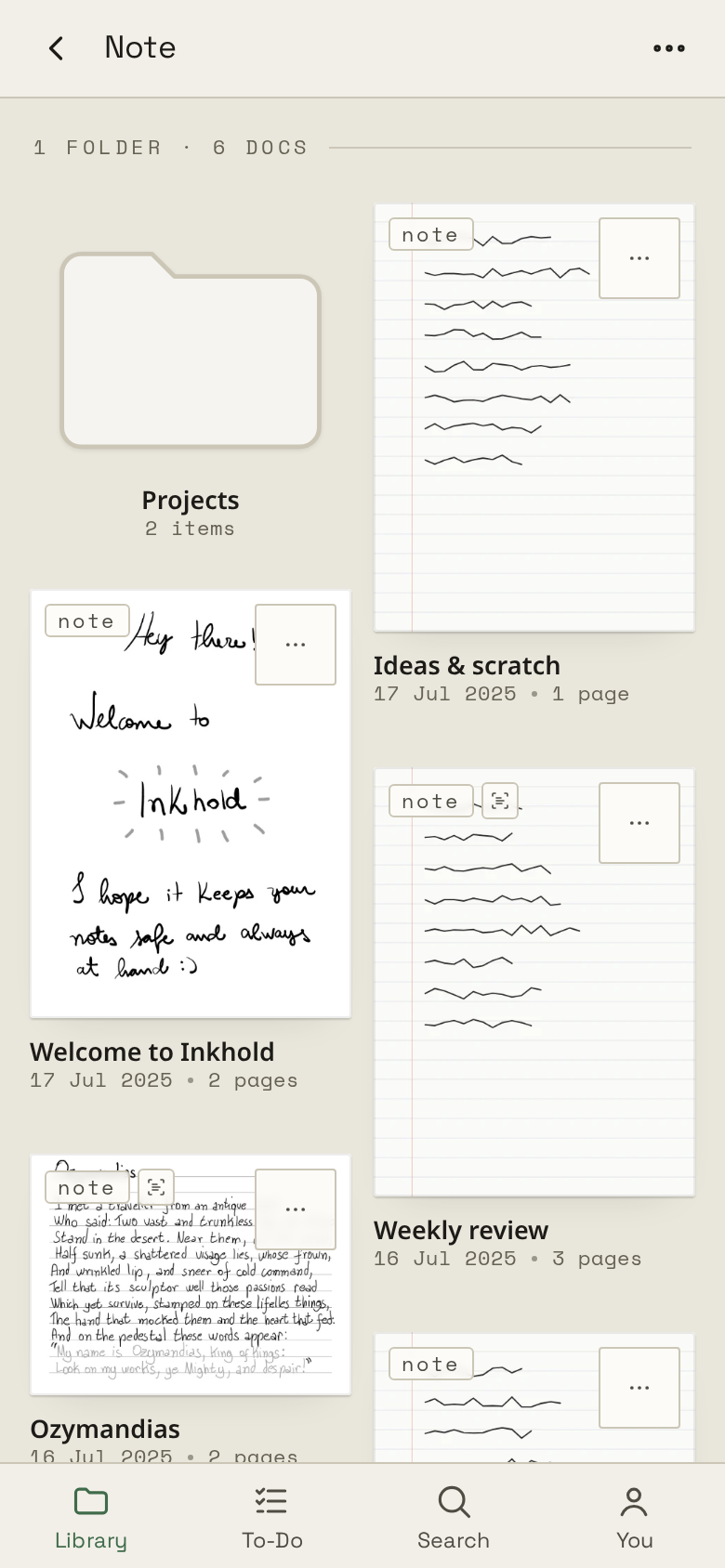
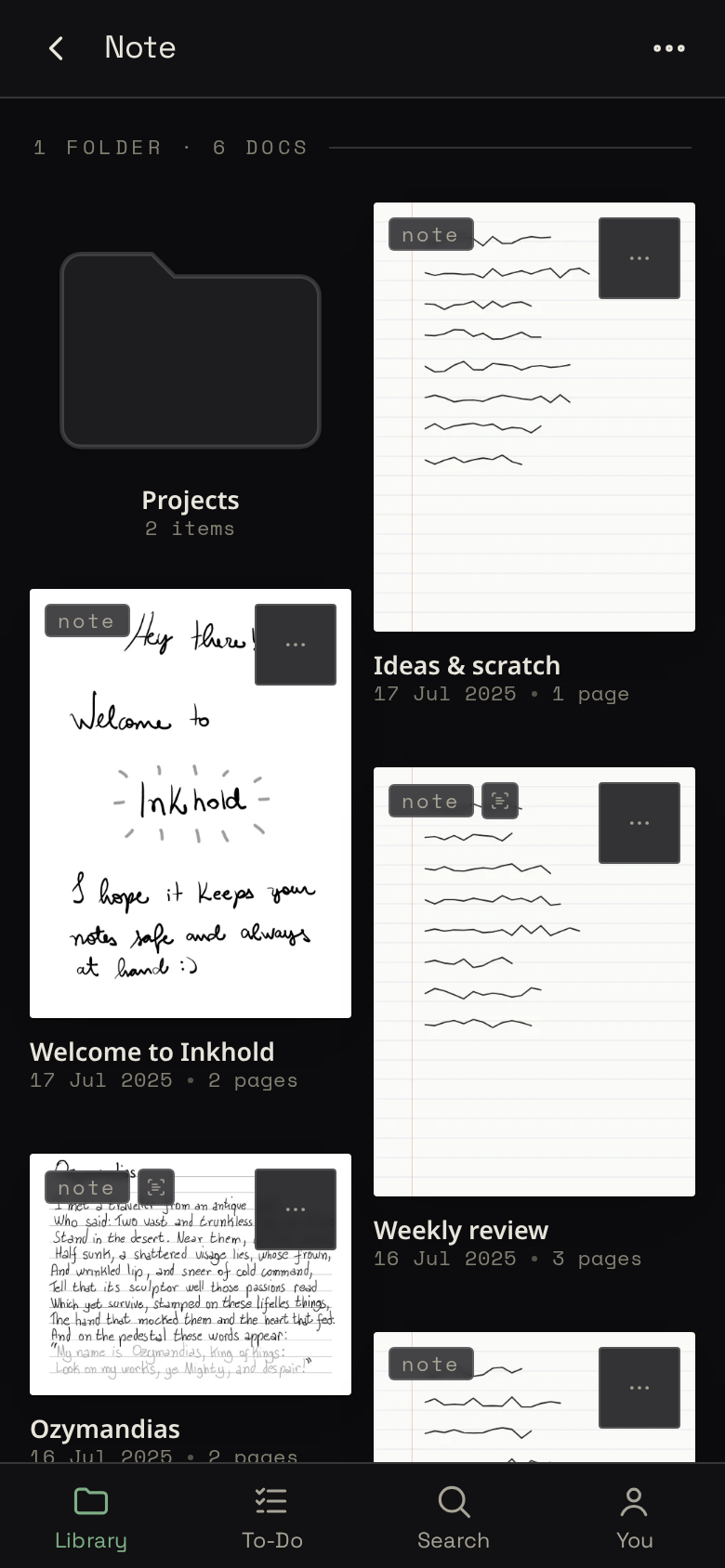
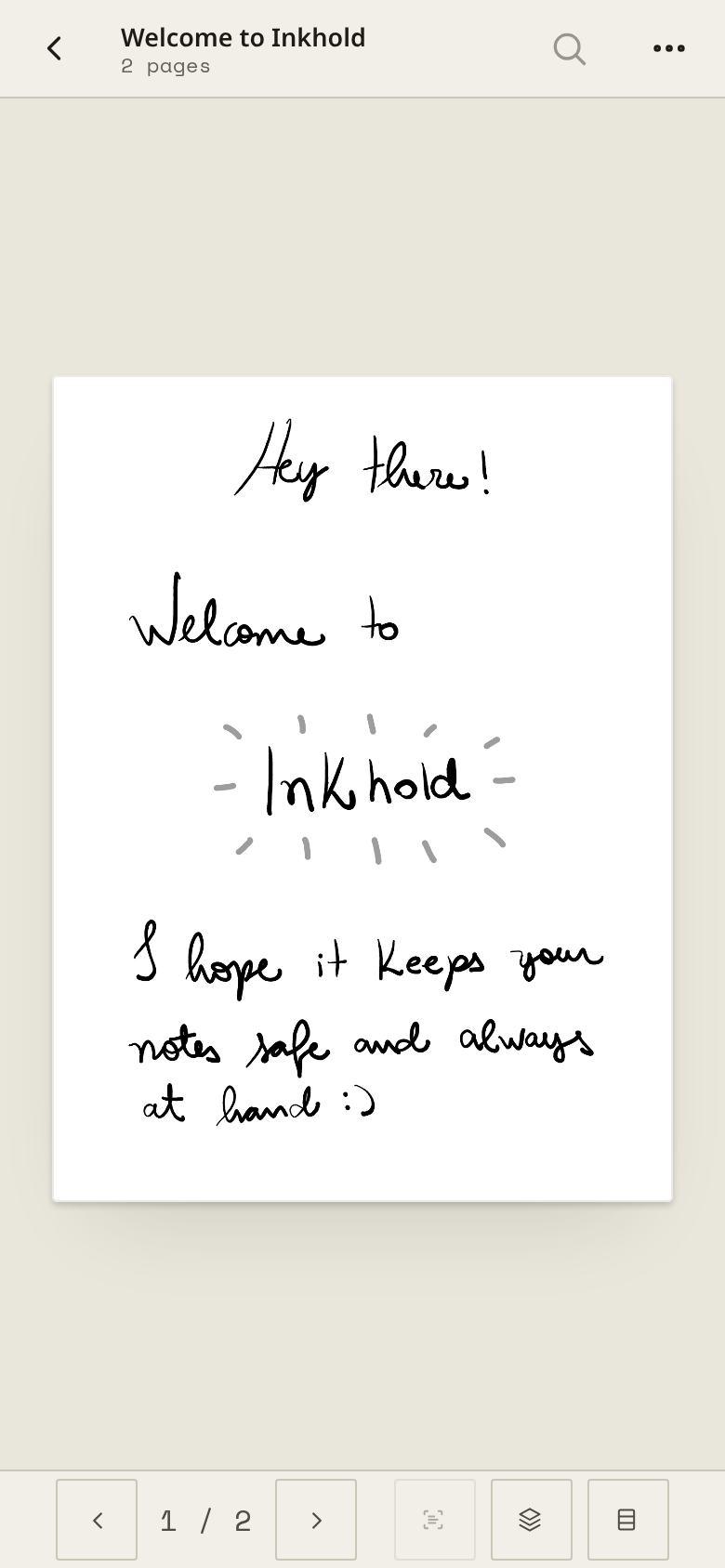
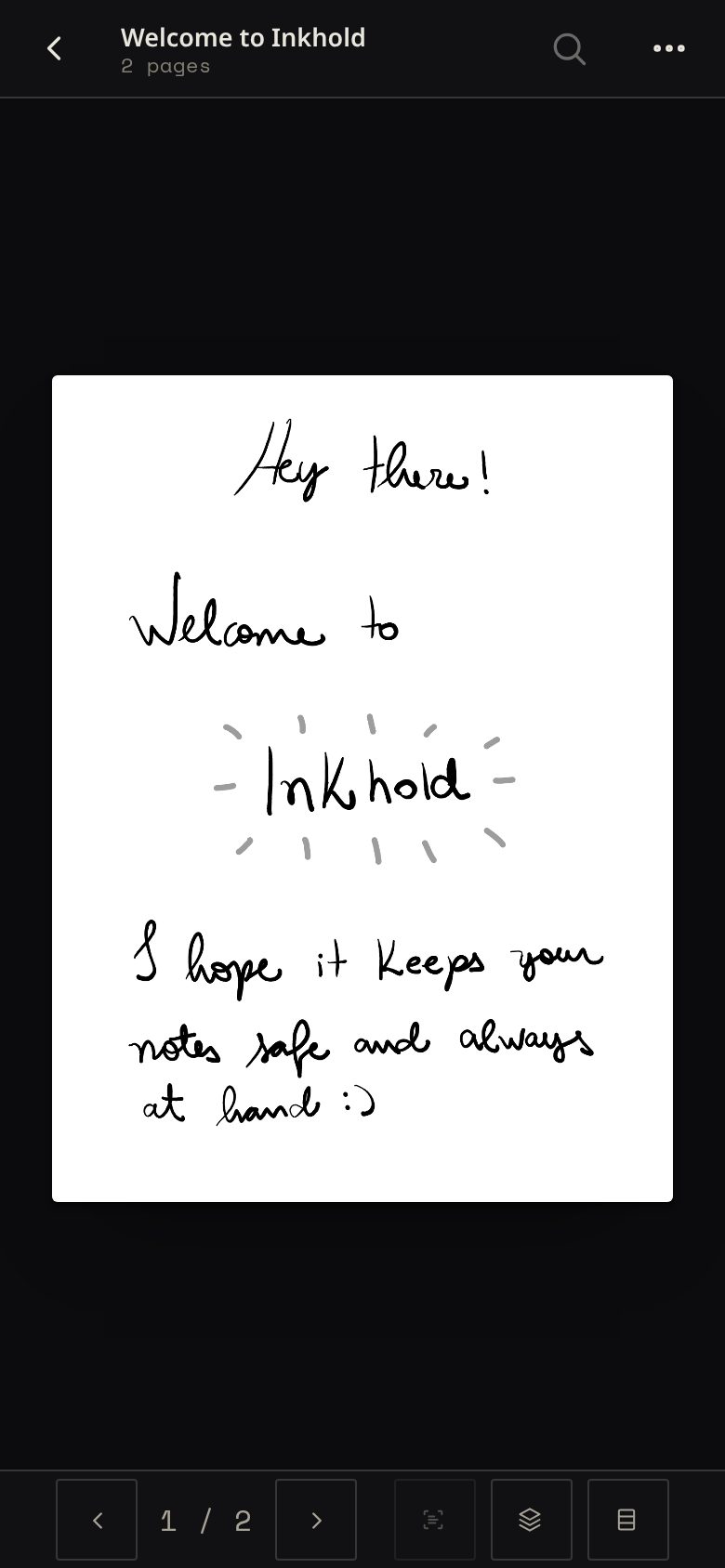
On a phone, Inkhold is laid out for one hand: the library in two columns, the reader's controls at the bottom, a swipe to turn the page. Add it to your home screen and it opens like an app.
Small enough for a Raspberry Pi from 2014
- One program
- One file to run, one port, no database server and no extra services.
- The browser does the work
- Drawing pages, searching and exporting all happen on your device.
- Measured on a Pi 1
- About 15% of its single core through a busy household evening: four people and two tablets.
- No lock-in
- Your notebooks are kept exactly as the tablet wrote them, and back up to a folder of ordinary files. No subscription, no account you don't control.
It's a beta
Inkhold syncs your real notebooks, so it is tested against a real tablet: the Nomad, end to end. Other Supernote models very likely work the same way, but nobody has confirmed it yet; if you have one, trying it and reporting back helps the most.
Before you start, back up your tablet. And read what doesn't work yet: Digest sync, the Supernote phone app, viewers for EPUB and Office files, and searching handwriting inside PDFs and .mark files.