Household · How-to
Install Inkhold on your phone#
On a phone, Inkhold is laid out for one hand: the library in two columns, a bar at the bottom for Library, To-Do, Search and You, and the reader’s page controls within reach of your thumb.
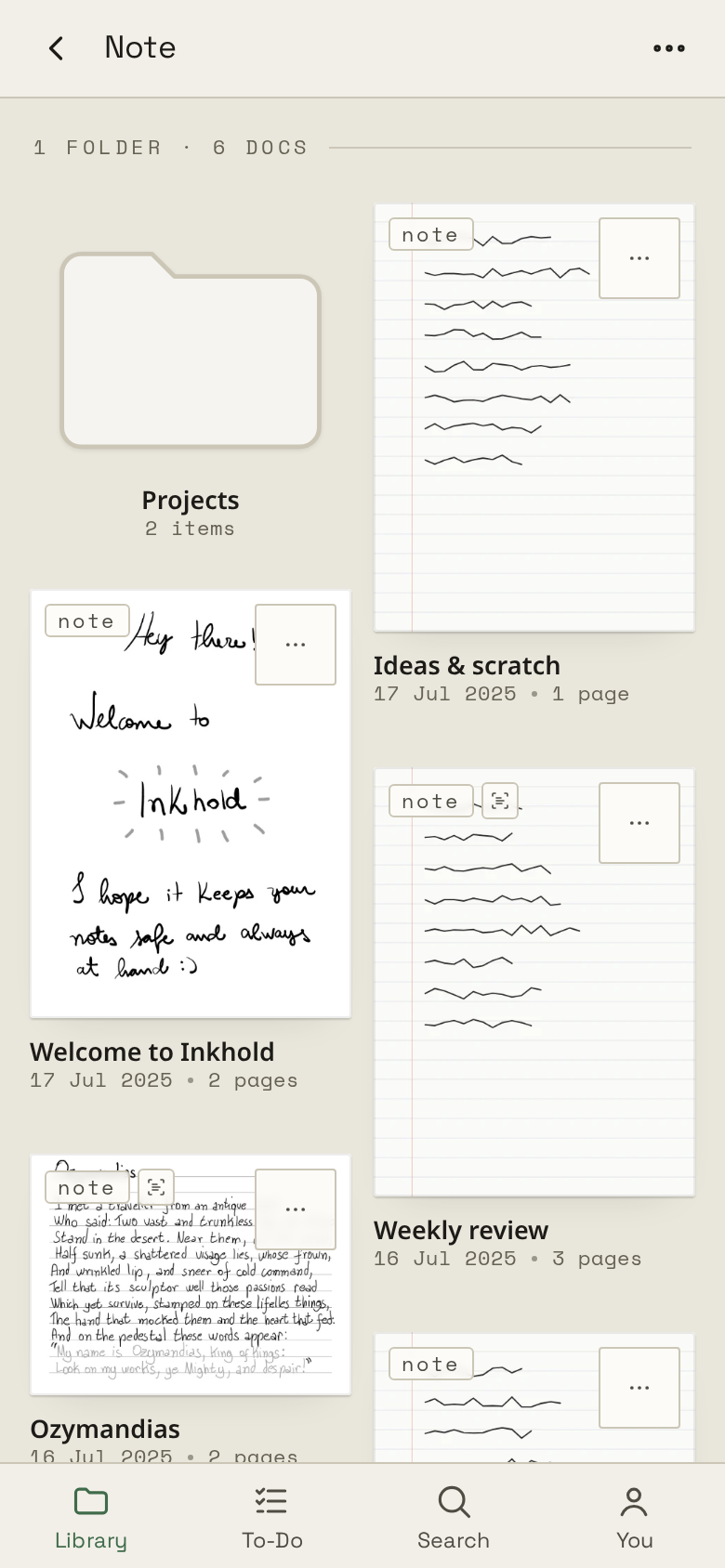
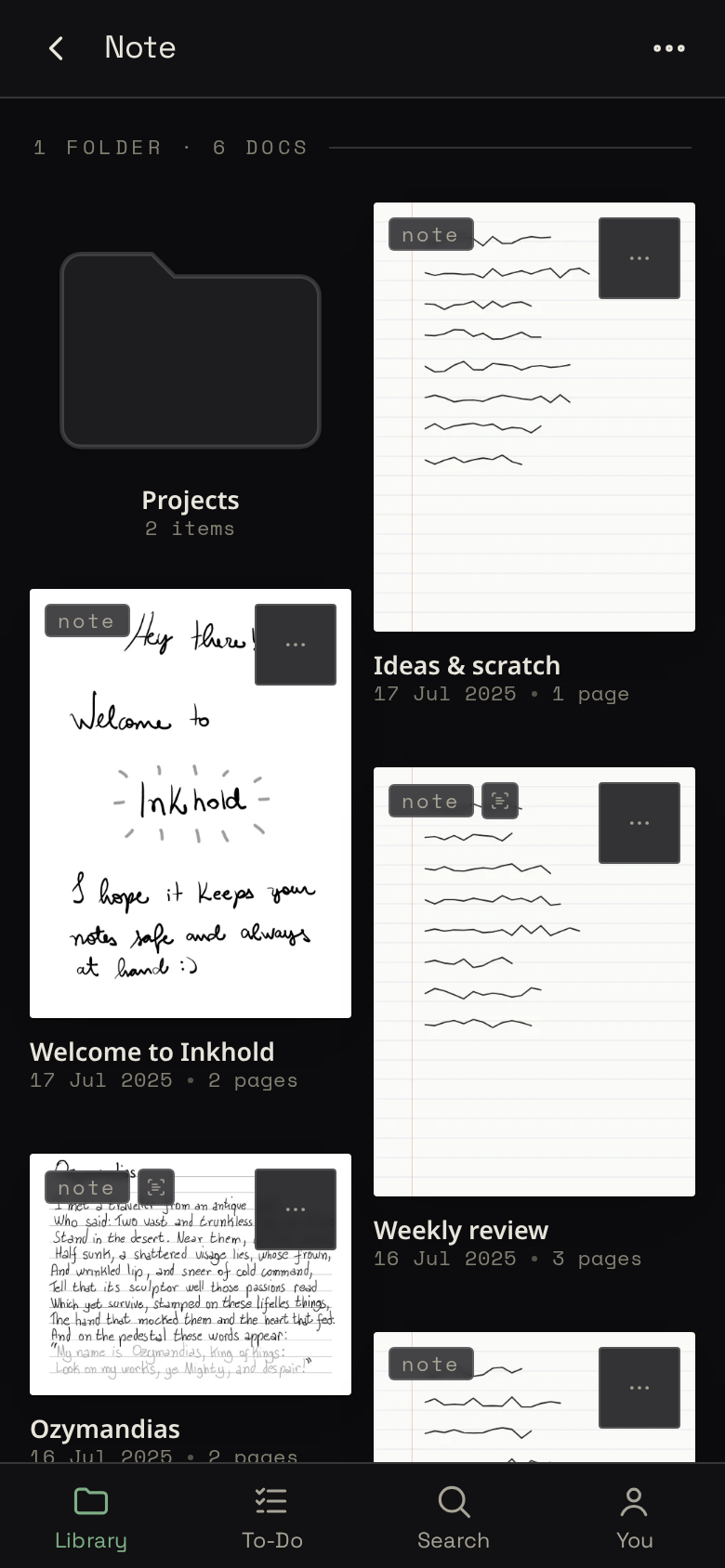
Add it to your home screen and it opens like an app, full screen:
- iPhone, in Safari: the share button, then Add to Home Screen.
- Android, in Chrome: the ⋮ menu, then Install app or Add to Home screen.
Without a connection it still opens and you can move through your folders, but reading a notebook needs the server.