Operator · How-to
Set allotments and the bin’s window#
Give each person a storage allotment, and choose how long the recycle bin keeps what they delete. Both are in the admin console. The config and the command line call an allotment a quota.
A person’s allotment#
- Under their name, choose Change beside their storage meter.
- Enter the Gigabytes they may use, and choose Save allotment.
The meter shows what they store today. Lowering the allotment below that deletes nothing: their tablet just can’t sync new notebooks until they free some space.
How long the bin keeps things#
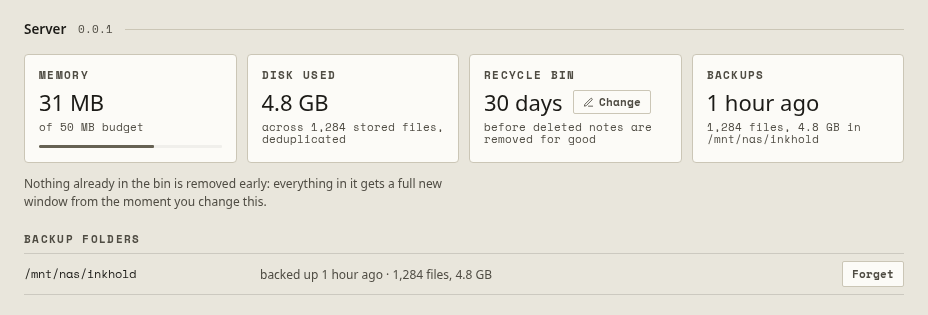
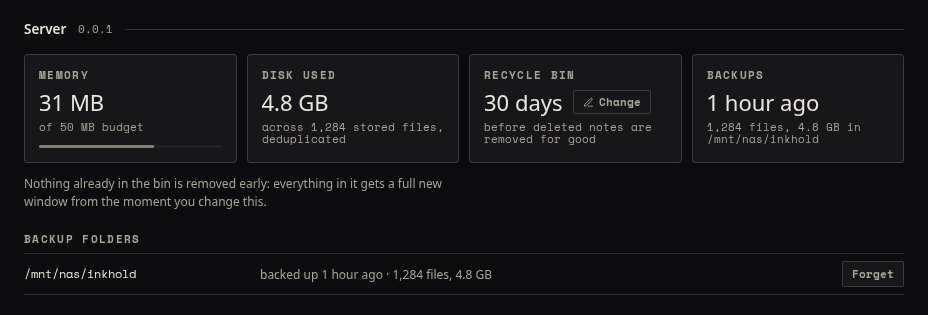
- In the console’s Server panel, choose Change on the Recycle bin card.
- Enter the number of Days, and choose Save.
Deleted notebooks stay recoverable for that long, then they are removed for good. While they wait, they still count against their owner’s allotment. Changing the number never removes anything early: everything in the bin gets the full new window from that moment.
People get their files back themselves: see Get back a deleted file.