Household · How-to
Export a note#
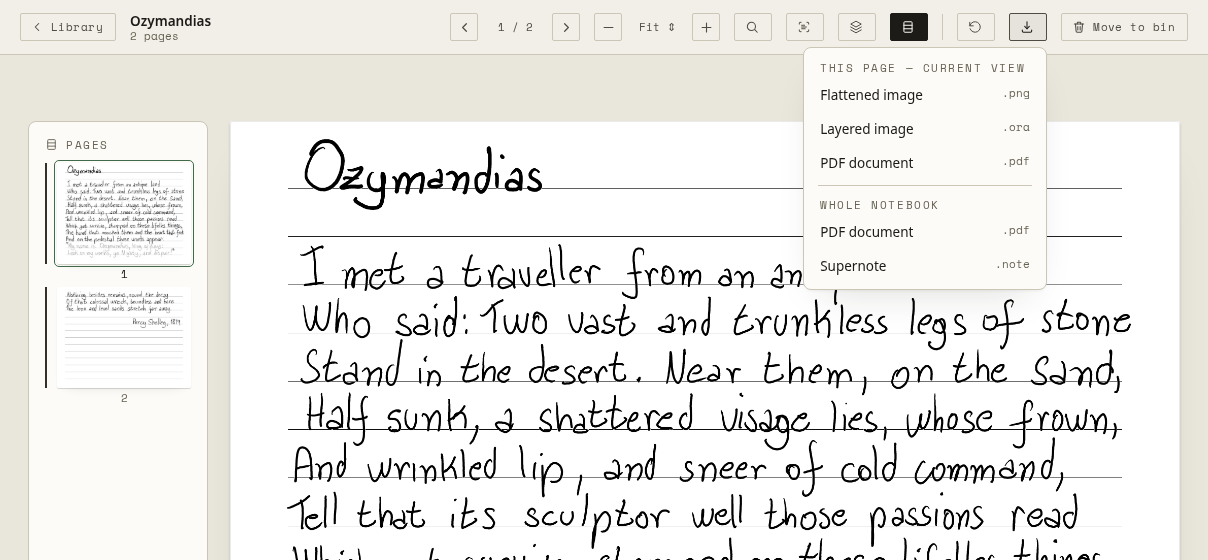
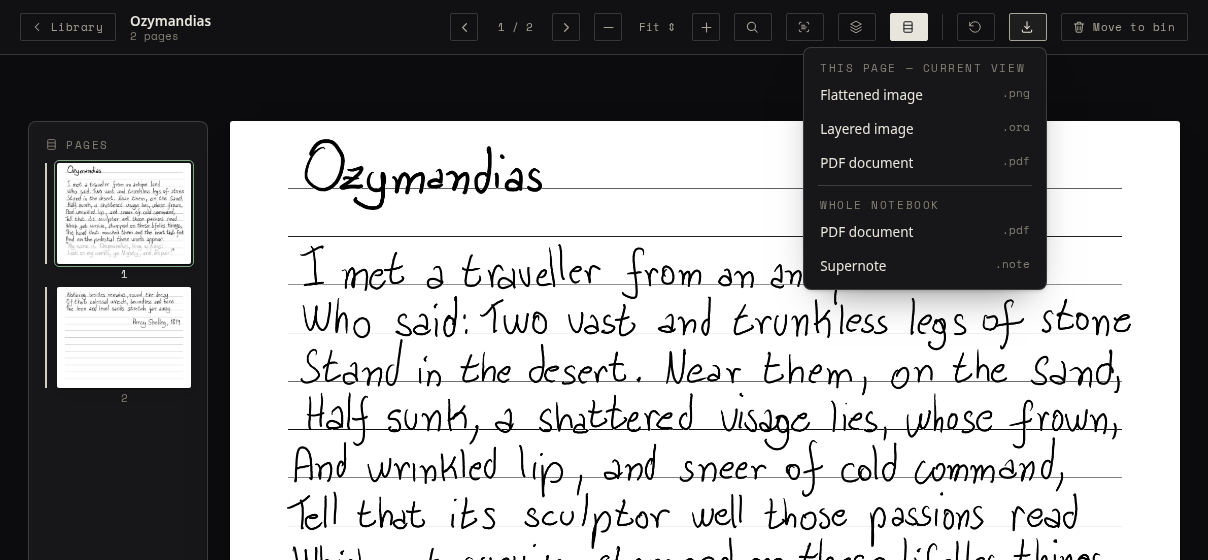
Save a page, or a whole notebook, in a format other tools understand. Open the notebook and choose Download in its bar.
| In the menu | You get |
|---|---|
| This page — Current view | The page as you see it now: a Flattened image (.png), a Layered image (.ora, one layer per layer, for drawing apps such as Krita), or a PDF document. |
| This page — Original view | Appears once you have hidden or shown a layer: the same three, of the page as the tablet saved it. |
| Whole notebook | Every page in one PDF document, or the original Supernote file (.note). |
A PDF carries the page’s recognised text as an invisible layer, so you can search it and select it in any PDF reader.
Exports are made in your browser; nothing is uploaded.